Solutions / Android apps
Android penetration testing, scored against OWASP MASVS
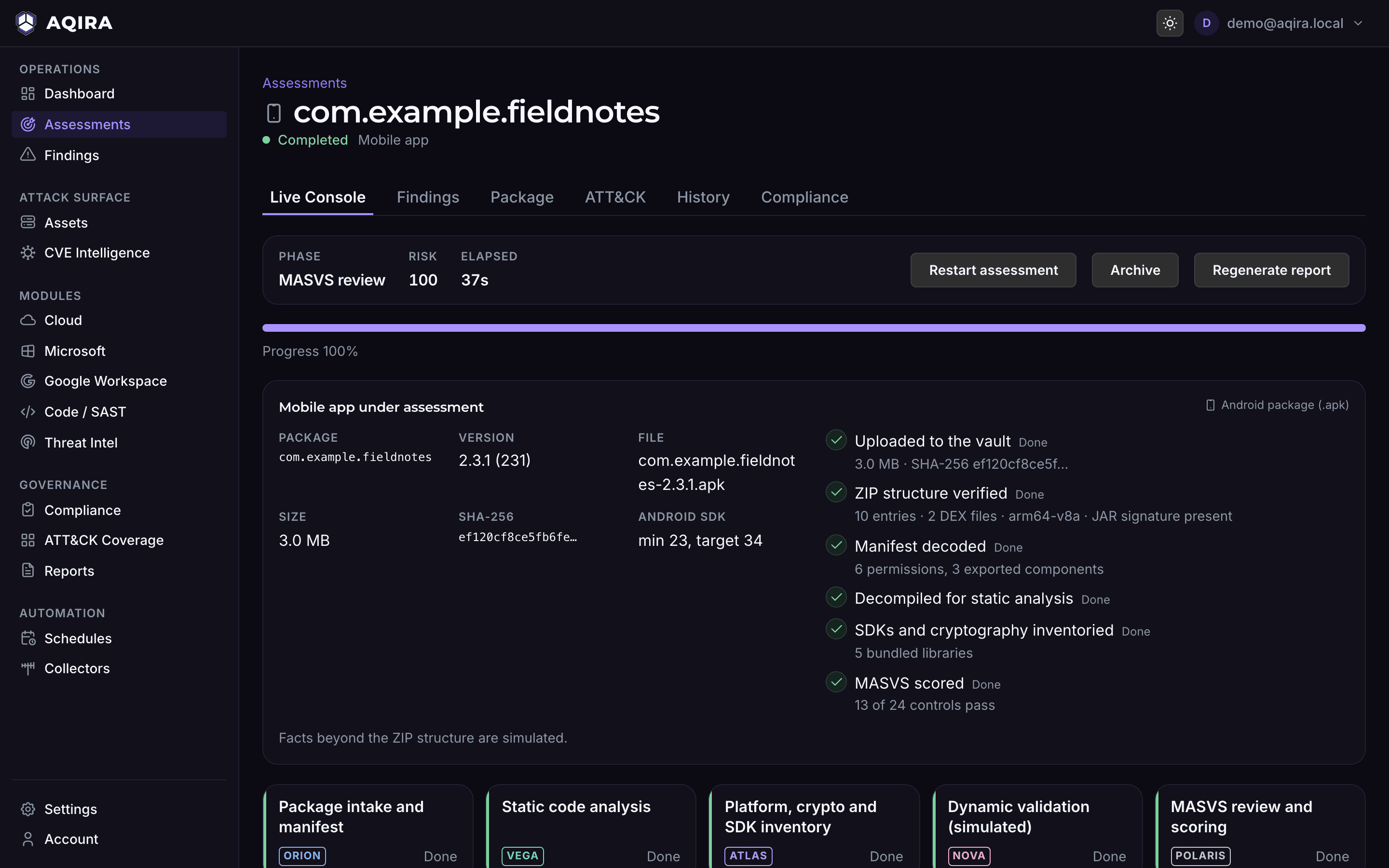
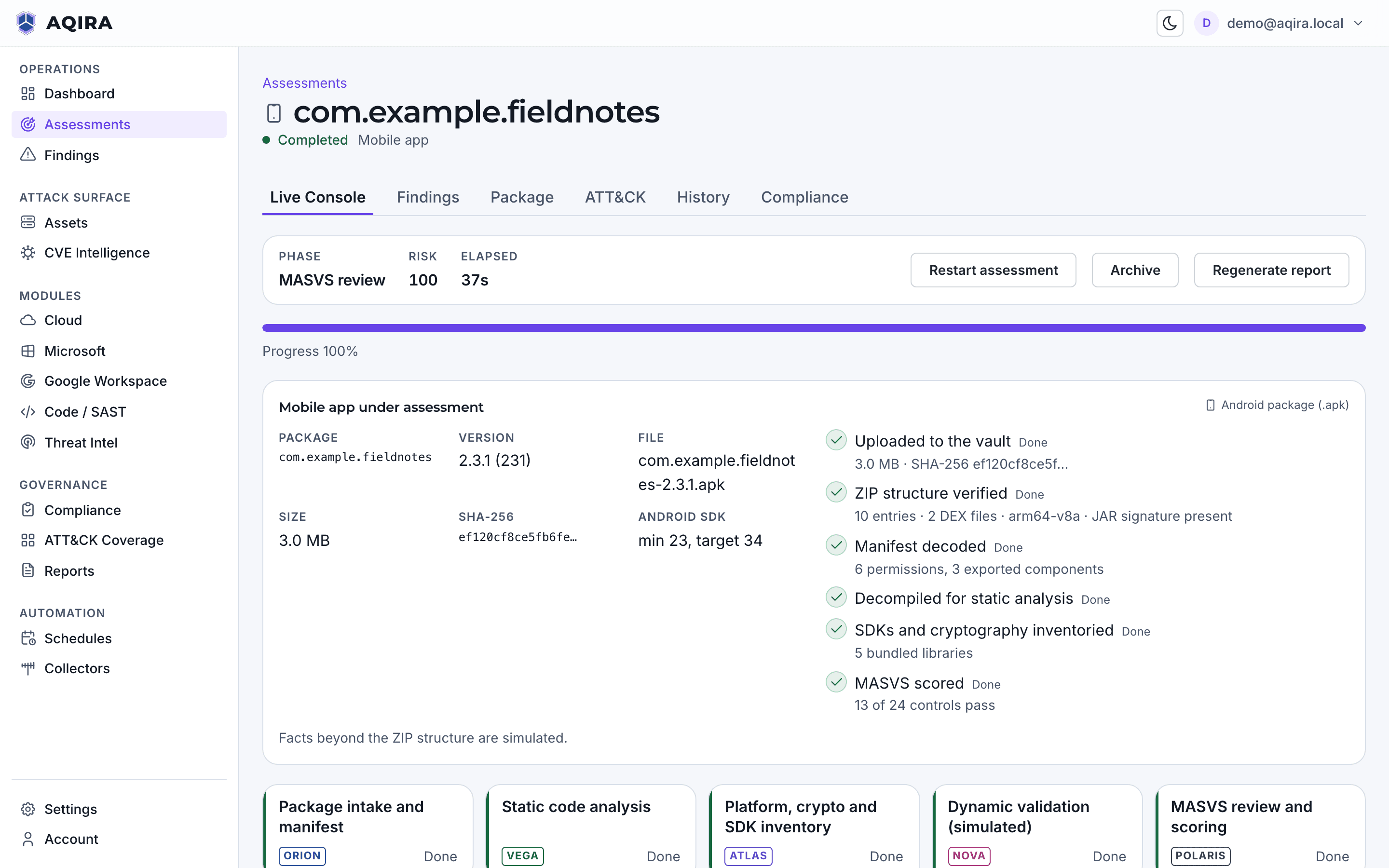
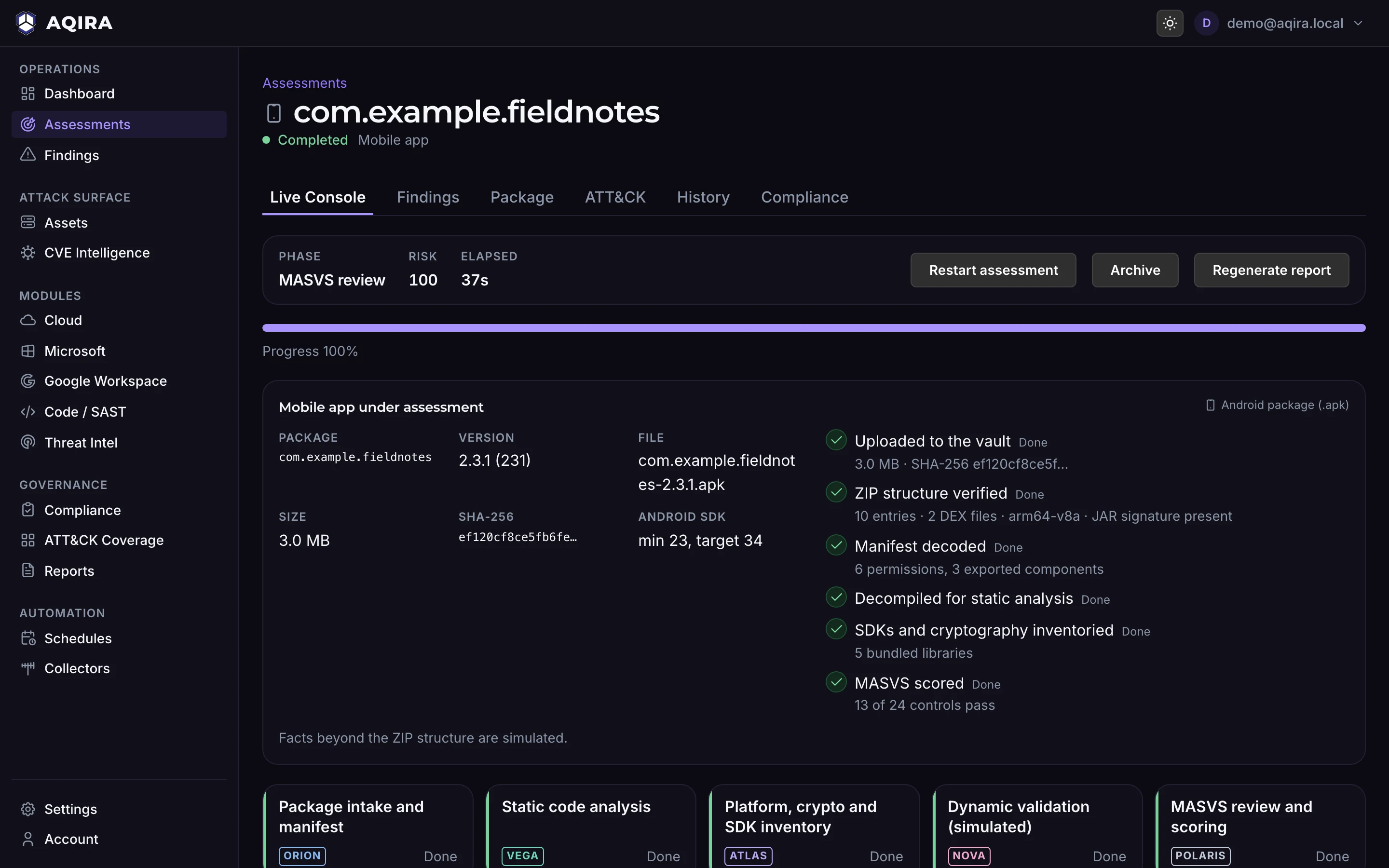
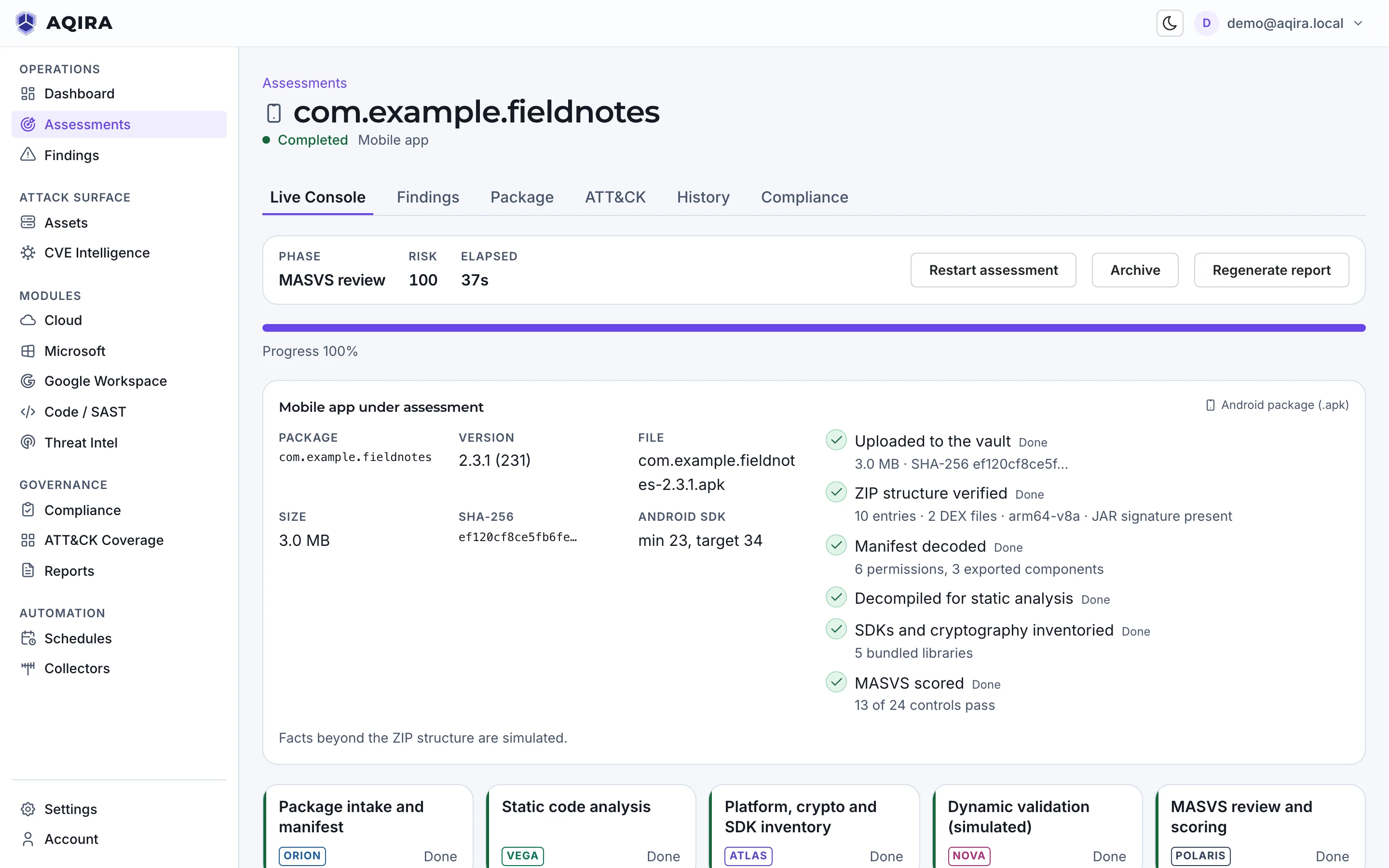
From an uploaded APK, AQIRA records the SHA-256 and verifies the package's structure. Code-level and dynamic results are labelled as simulated in the console today. Each finding names where it sits in the package.
- You provide
- An Android APK
- Intensity
- Standard, Deep
- Scored against
- OWASP MASVS
- Plans
- 1 app as an add-on to Standard. Premium includes 2 apps and Enterprise 10. Compare the plans
What you hand AQIRA
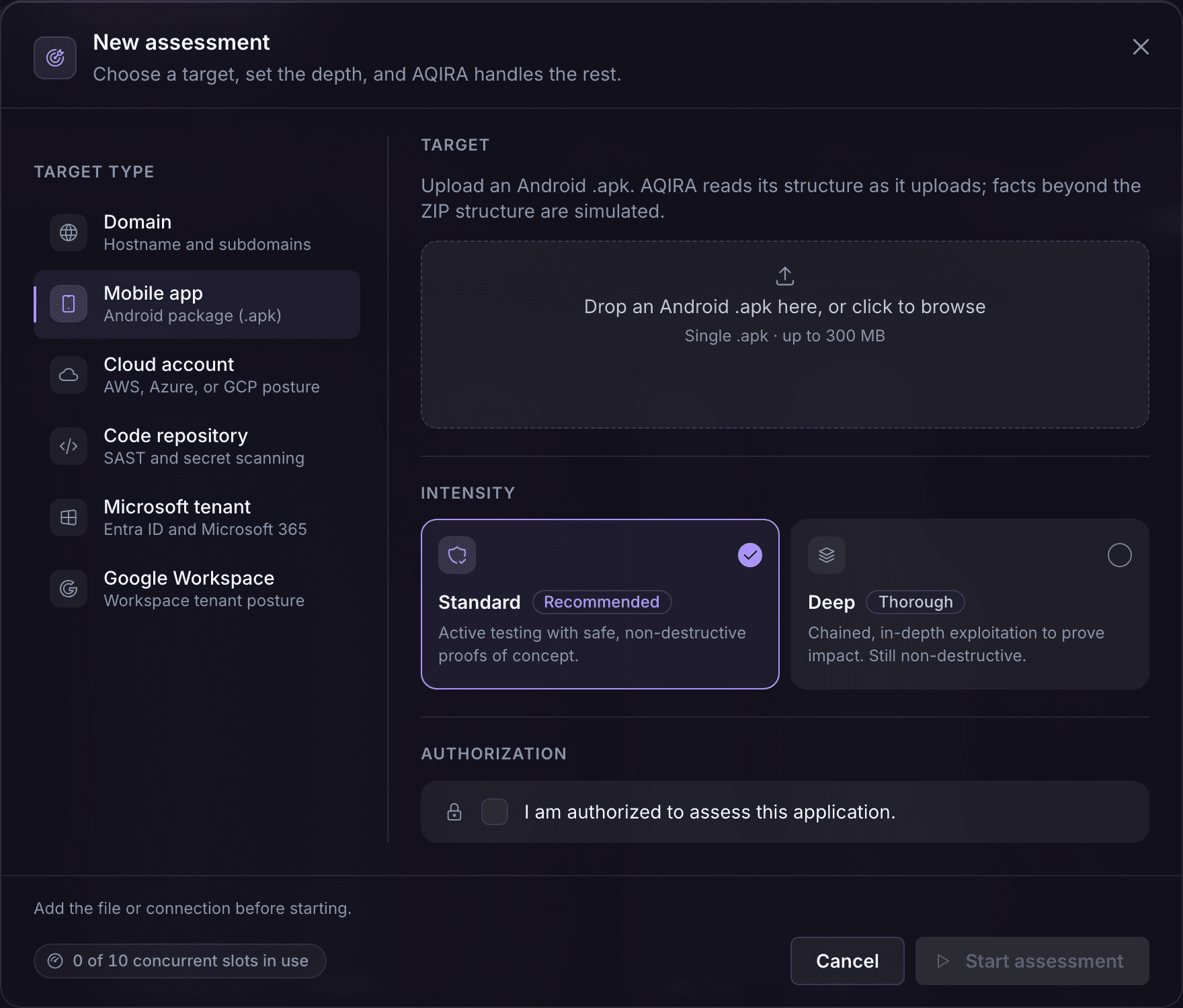
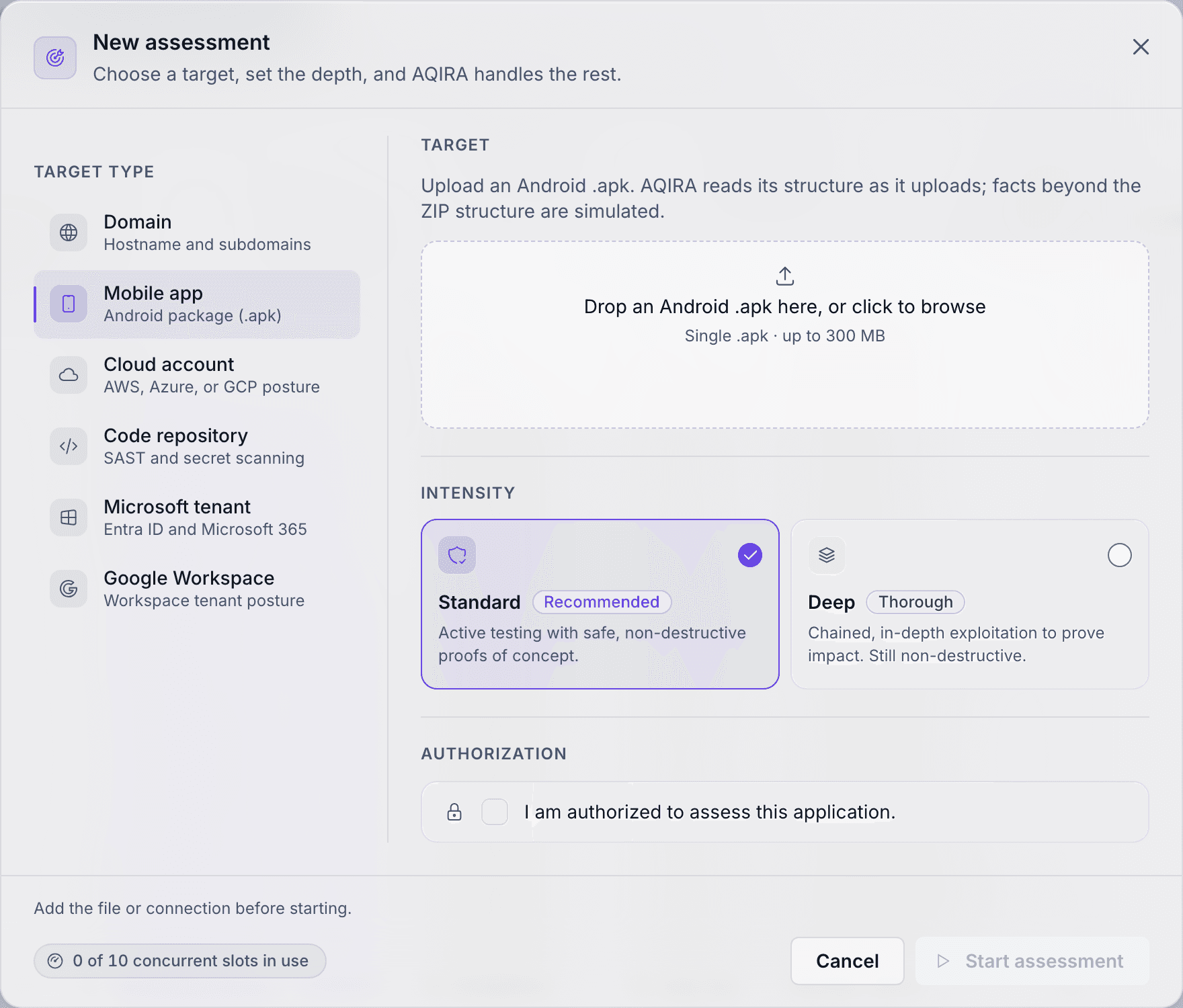
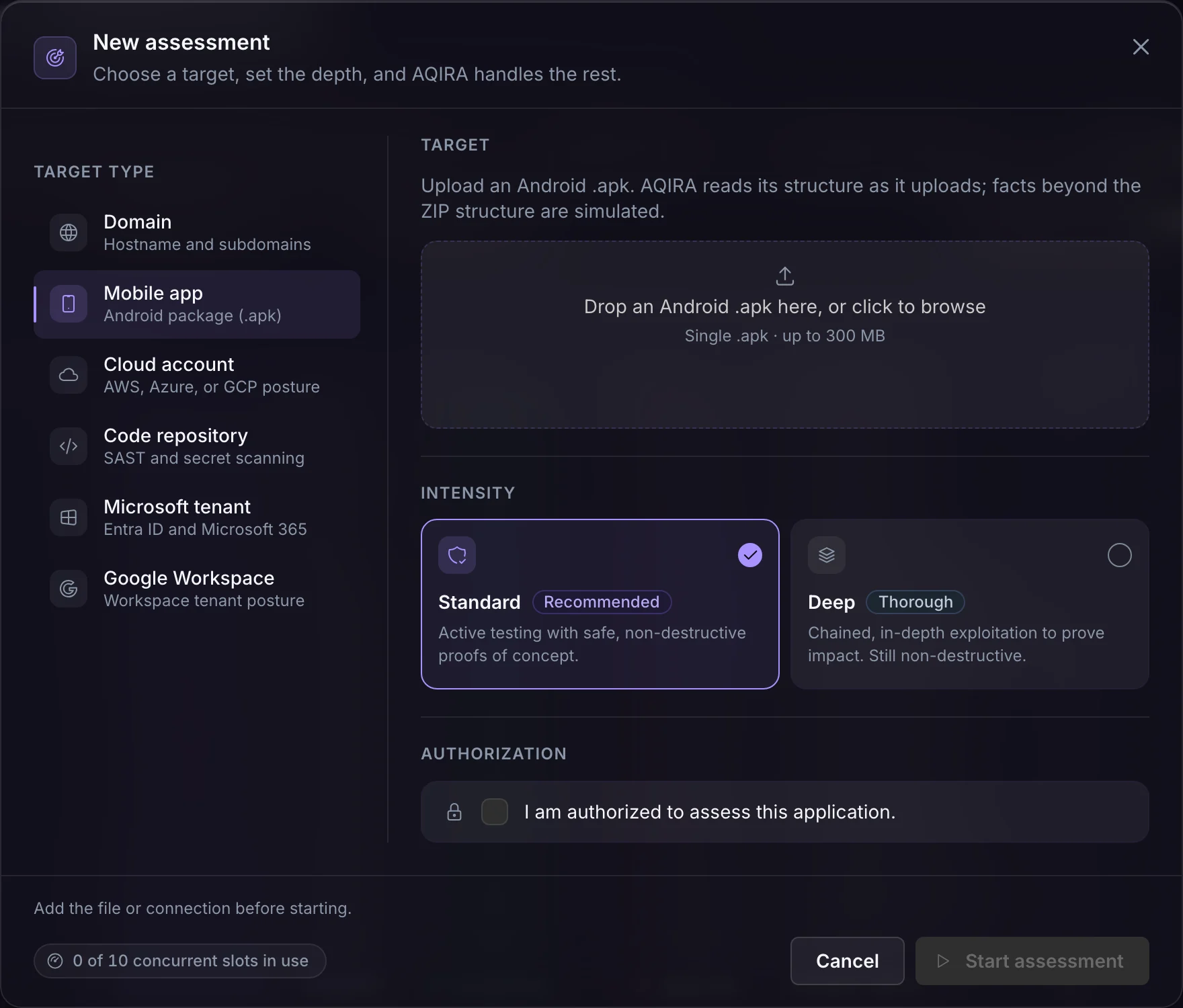
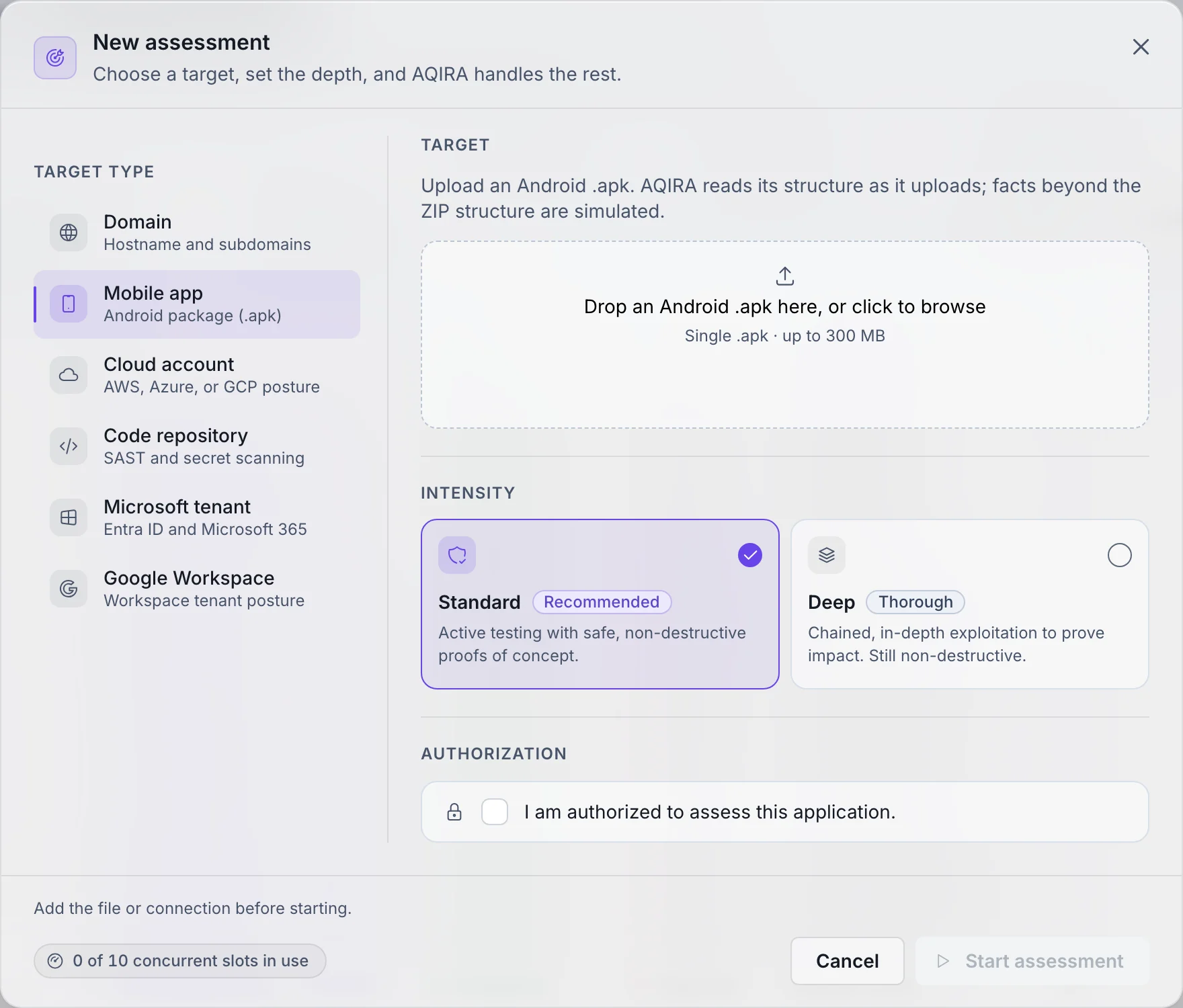
On an Android app, the New assessment step asks for the following.
- You provide
- An Android package (.apk), uploaded in the browser. AQIRA reads its structure as it uploads.
- Access
- The SHA-256 hash is recorded and the structure verified: entries, manifest, code files and signature. Code-level and dynamic results are labelled as simulated.
- Authorisation
- The assessment starts only once the operator confirms:
I am authorized to assess this application.
- Intensity
- Standard. Active testing with safe, non-destructive proofs of concept.
- Deep. Chained, in-depth exploitation to prove impact. Still non-destructive.
What each input's access allows, and how AQIRA keeps it to the least it needs, is on the security page.
ORION, VEGA, ATLAS, NOVA, POLARIS, SCRIBE
What each agent does on this input
The same six agents, in the same order; on an Android app this is the work.
01ORIONPackage intake and manifest
Records the package's SHA-256 and verifies its structure: entries, manifest, code files and signature.
- Package intake
- Manifest analysis
- Signature verification
02VEGAStatic code analysis
Hunts storage, secret and platform sinks in the code; results labelled as simulated.
- Decompilation
- Source-code review
- Secret detection
03ATLASPlatform, crypto and SDK inventory
Inventories bundled SDKs and reviews cryptography; results labelled as simulated.
- SDK inventory
- Dependency risk
- Crypto review
04NOVADynamic validation (simulated)
Validates behaviour on an instrumented device to benign proof; labelled as simulated.
- Instrumented validation
- Network interception
- Vulnerability correlation
05POLARISMASVS review and scoring
Consolidates what the others found. Scores the app against OWASP MASVS, category by category.
06SCRIBEReport
Writes the client-deliverable report from the same evidence the console shows.
The findings it raises
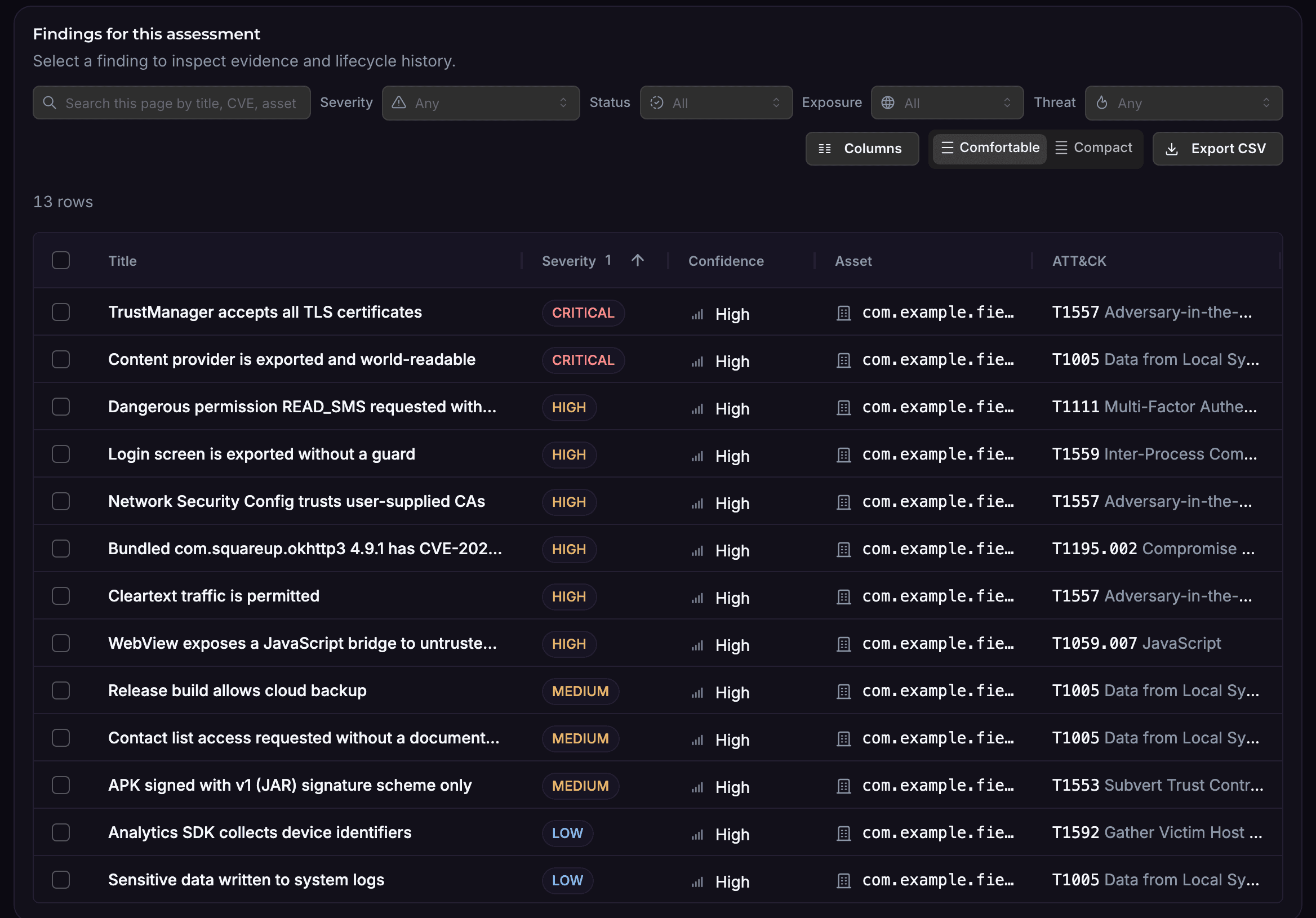
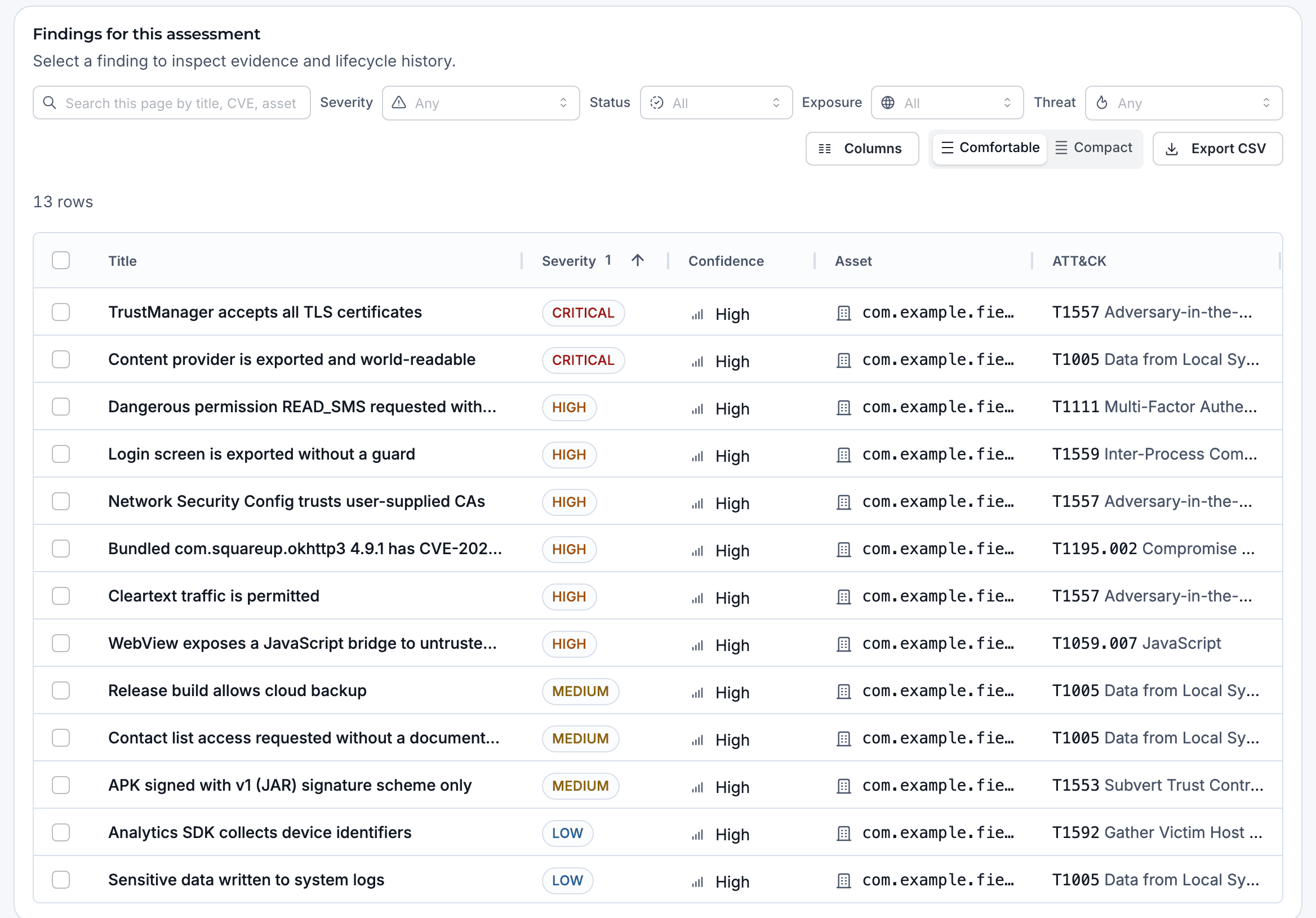
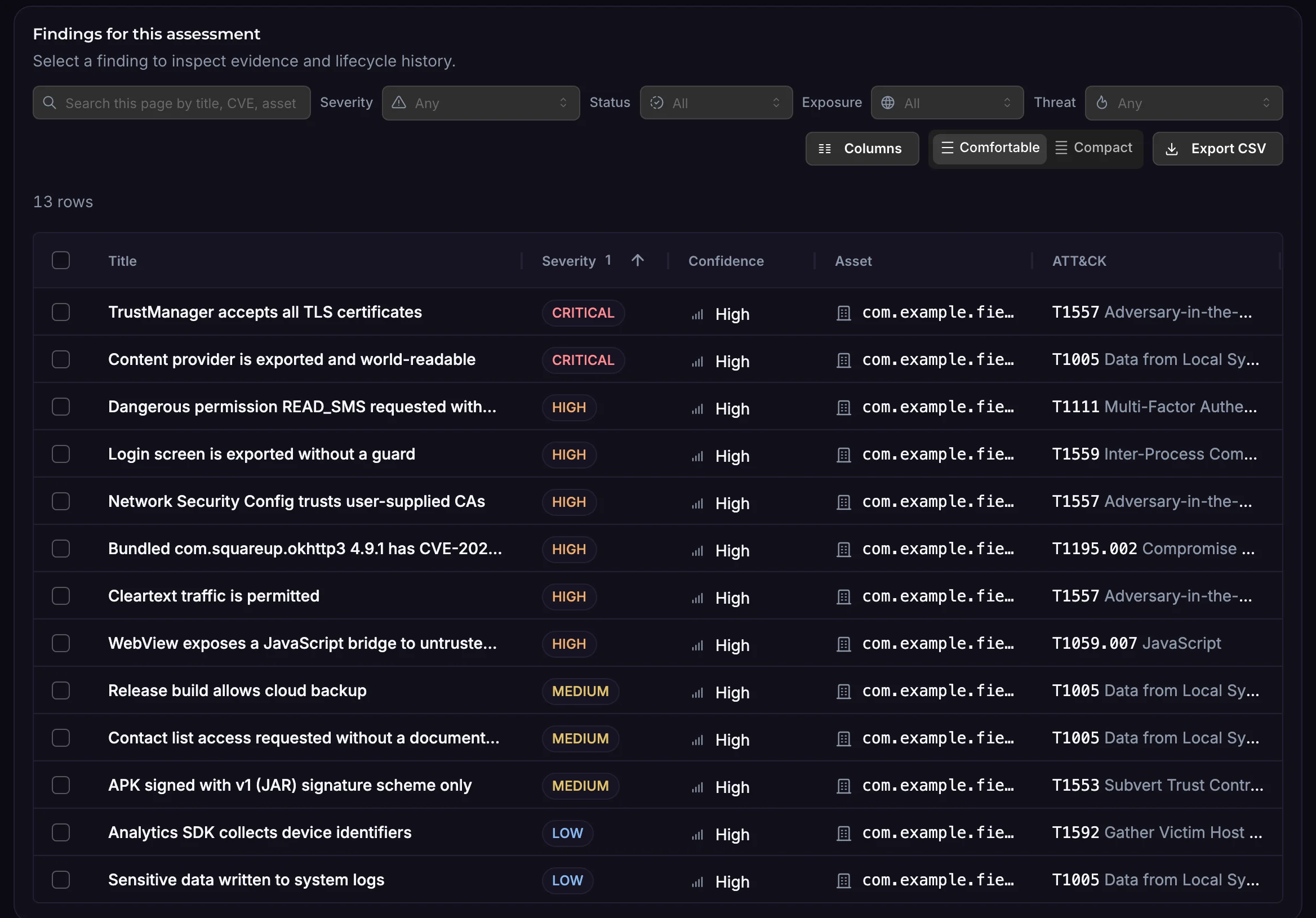
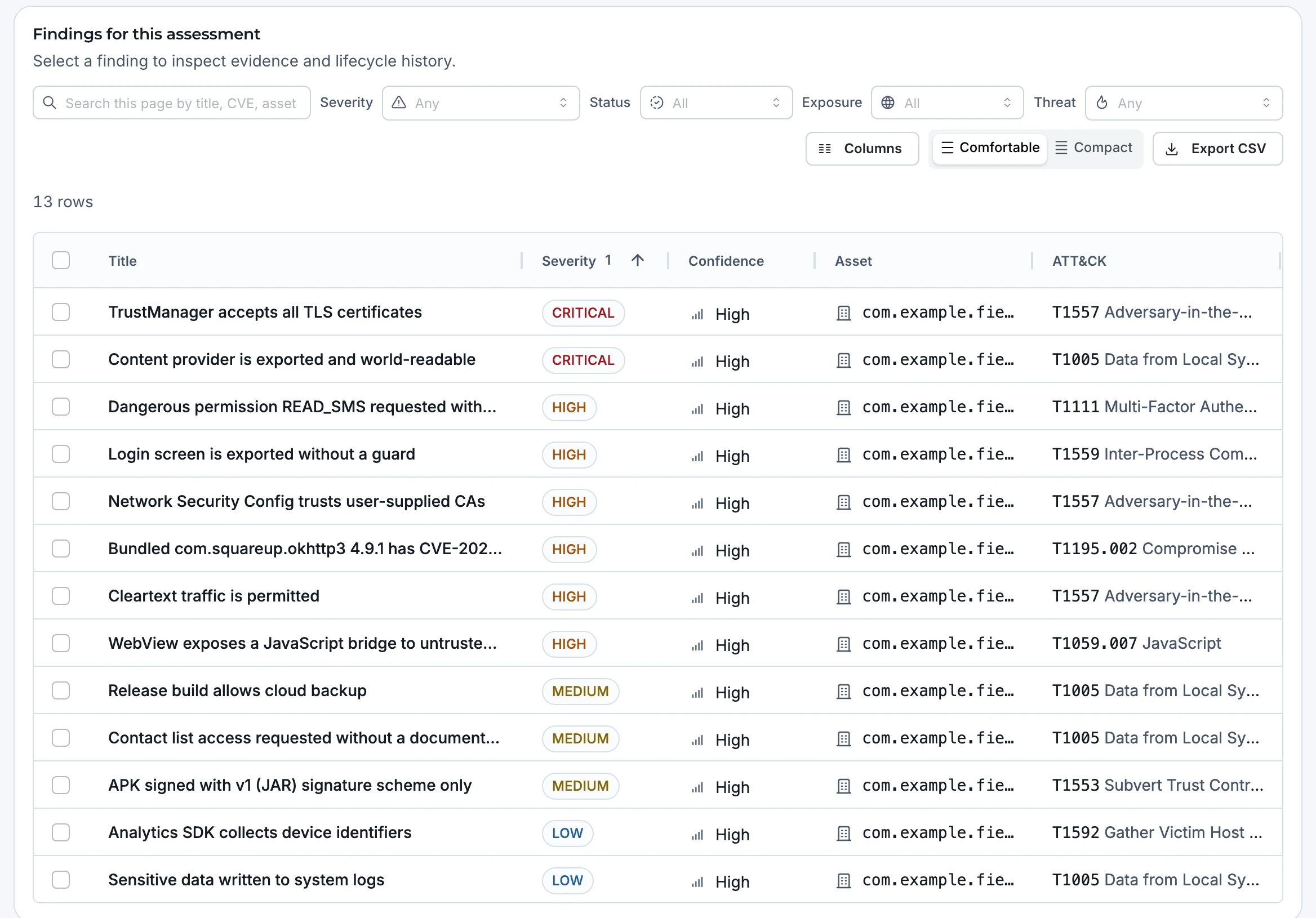
Examples of what AQIRA reports on an Android app, each with evidence, steps to reproduce, remediation in priority order and its ATT&CK technique.
- Debuggable release build
- Cleartext traffic permitted
- A TrustManager that accepts every TLS certificate
- Exported content provider that is world-readable
- Sensitive data stored unencrypted in SharedPreferences
- Hardcoded API key in application code
- WebView exposing a JavaScript bridge to untrusted content
- Bundled library with a known CVE
Examples only. What an assessment finds depends on your target; the capture shows a demo assessment.
What it maps, and where results land
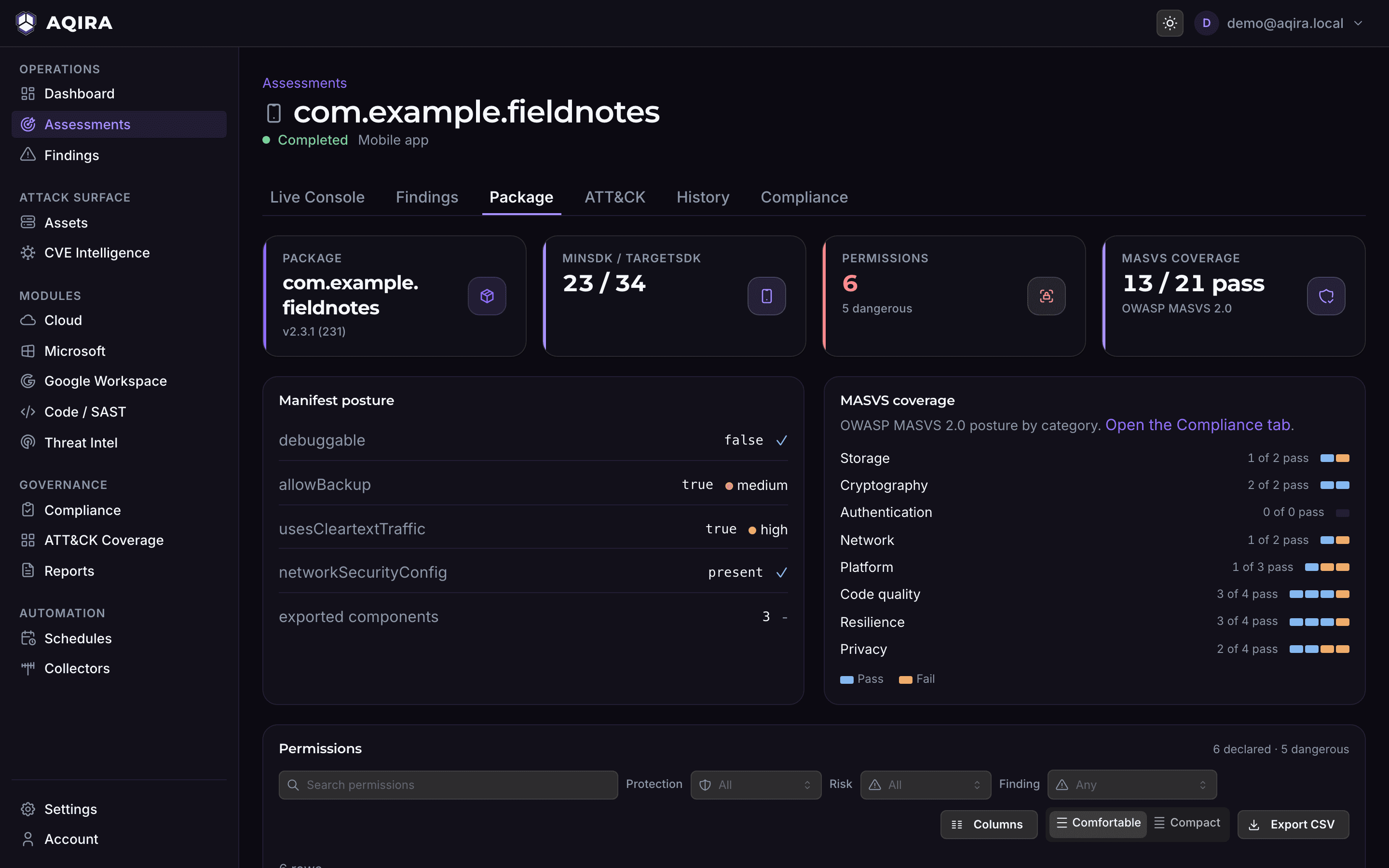
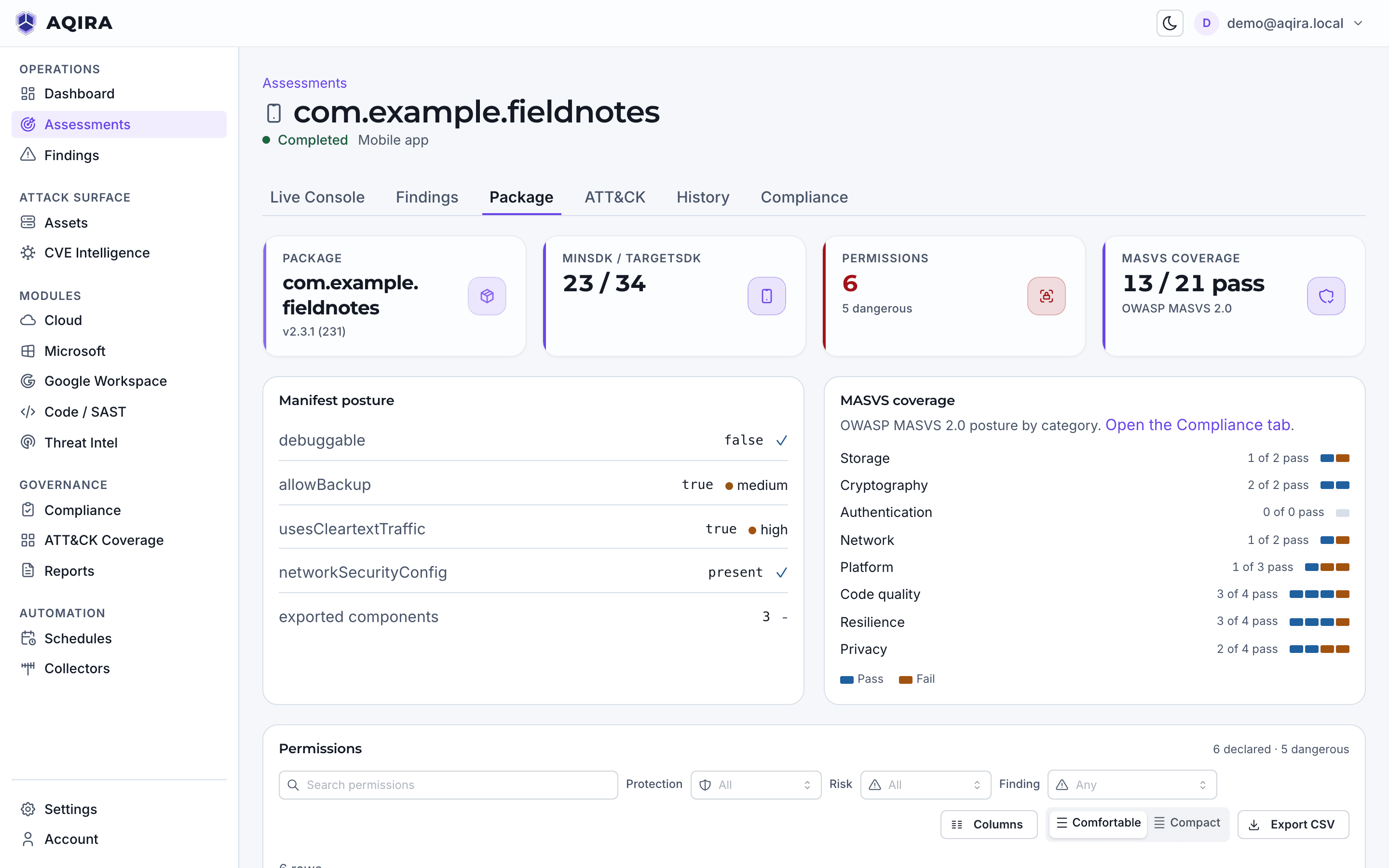
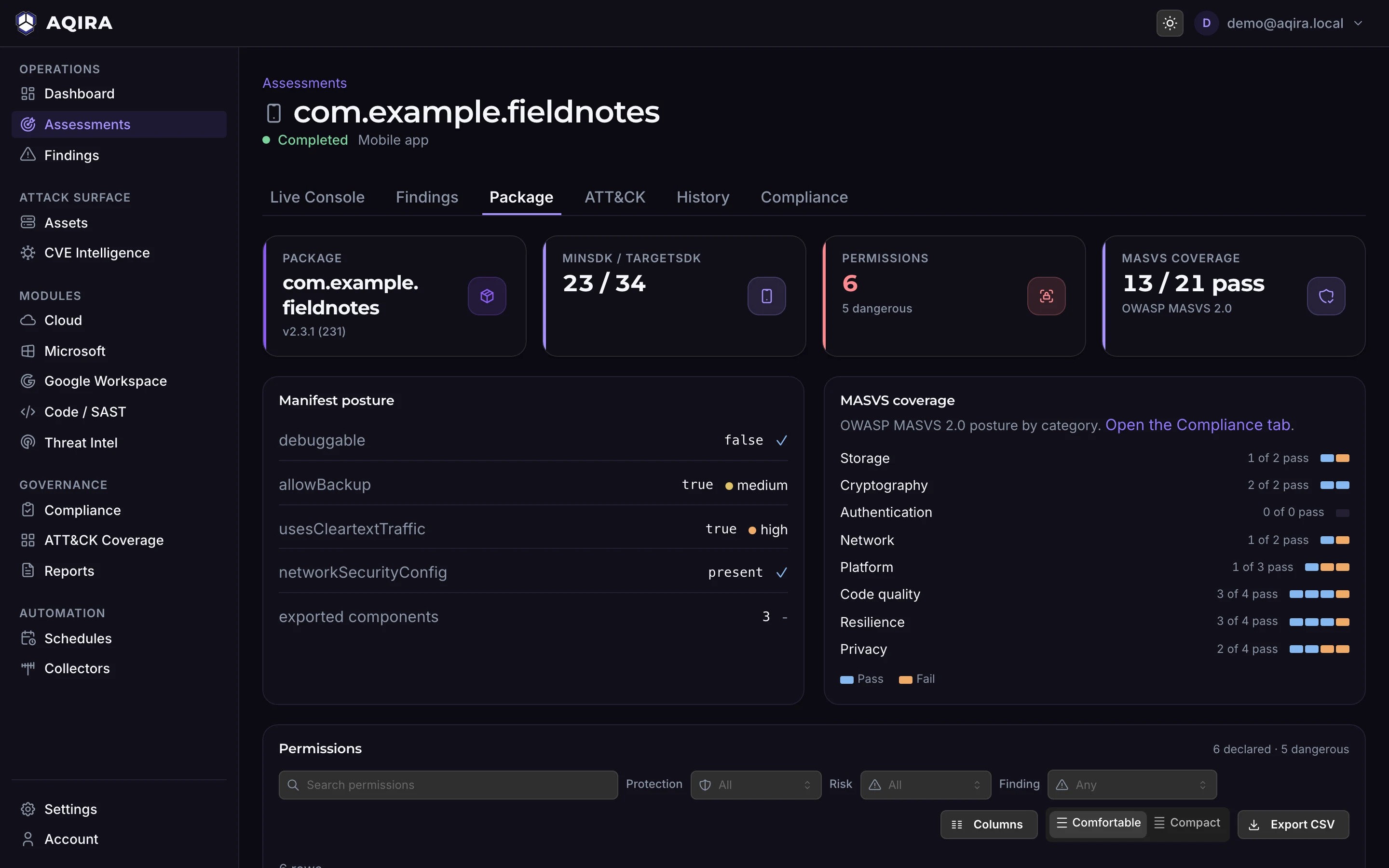
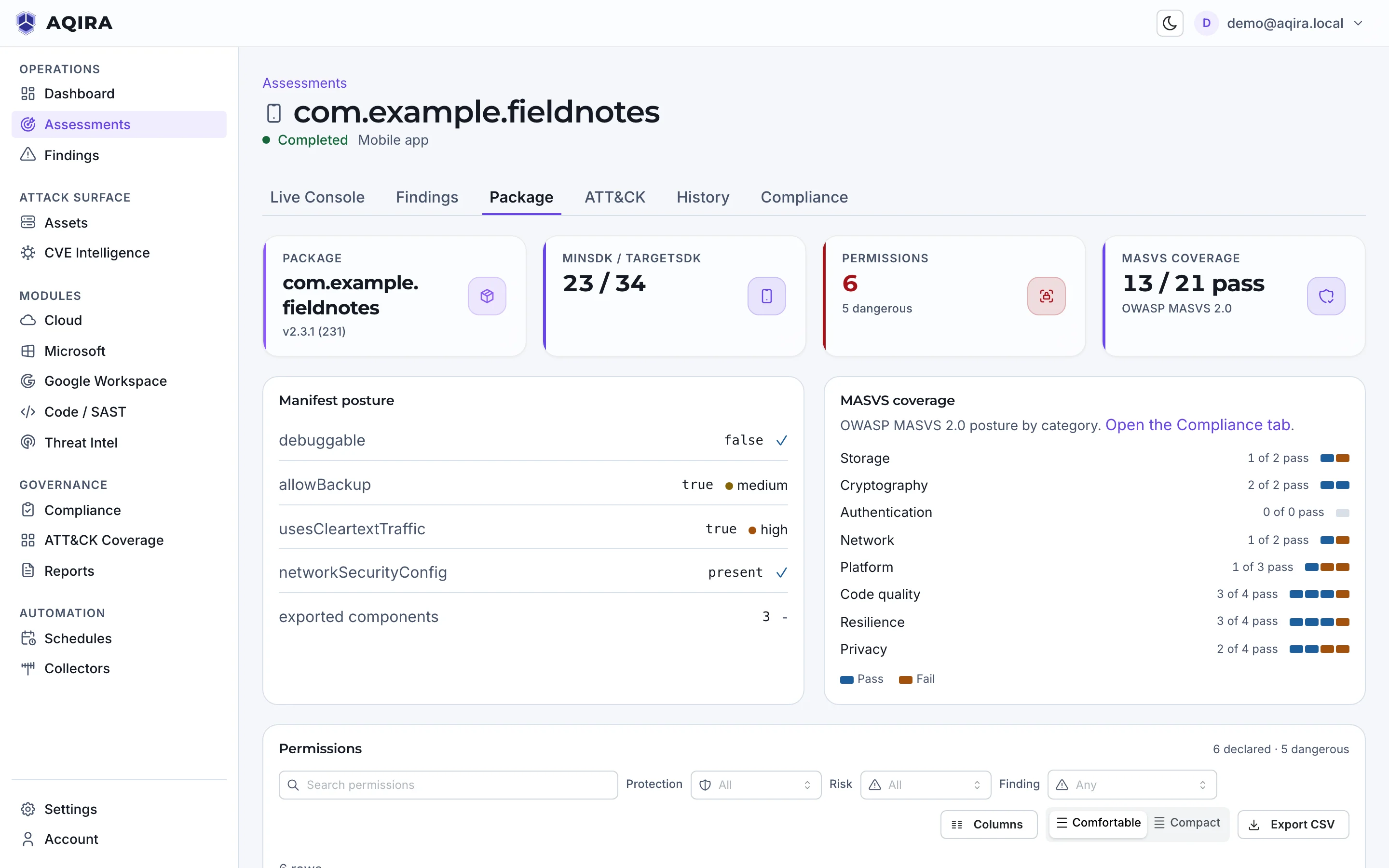
An Android assessment adds a Package tab: manifest settings with the risky ones marked, the permissions requested, and the score in each MASVS category.
- Package
- The package, its version, SDK levels and signature, and the manifest it declares.
- Permissions
- Every permission the app requests, with the dangerous ones marked.
- Components
- The app's components, and which of them are exported to other apps.
- SDKs and dependencies
- The SDKs and libraries bundled into the package.
Mapped to what your auditors read
POLARIS maps every finding to the controls it touches, in every framework that applies.
Scored against
- OWASP MASVS
Every finding is also mapped to
ATT&CK, OWASP, NIST CSF, NIST SP 800-53, NIST SP 800-171 and COBIT.
Control status, owner and evidence are in compliance mapping; what reaches the client is in the reports.
Where this assessment stops
A clean result covers only what AQIRA tests on an Android app.
Android, not iOS
Mobile assessments take an Android package (APK). iOS apps are not assessed.
What is read, and what is simulated
The vault verifies the package's structure on upload: entries, manifest, code files and signature. Everything beyond that, including dynamic validation, is labelled as simulated.
The package is not kept
The upload is hashed and checked as it streams in; the vault never stores or runs it.
Limits common to every input, and how proof stays benign, are in the methodology.
The other five inputs
Next step
A demo assessment of an Android app
A demo runs one assessment in the console, with demo data: the agents at work, the evidence behind each finding, and the report.