Solutions / Microsoft 365
Microsoft 365 and Entra ID security assessment against CIS and CISA SCuBA
With read-only admin consent, AQIRA inventories identities, roles and applications, and reads policy across Entra ID, Exchange, SharePoint, Teams, Defender and Intune. Identity attack paths are validated to benign proof. A collector adds on-premises Active Directory.
- You provide
- A Microsoft tenant
- Intensity
- Standard
- Scored against
- CIS Microsoft 365, CISA SCuBA (M365)
- Plans
- On Enterprise, with 2 tenants (Microsoft 365 or Google Workspace), or 1 tenant as an add-on to Premium. Compare the plans
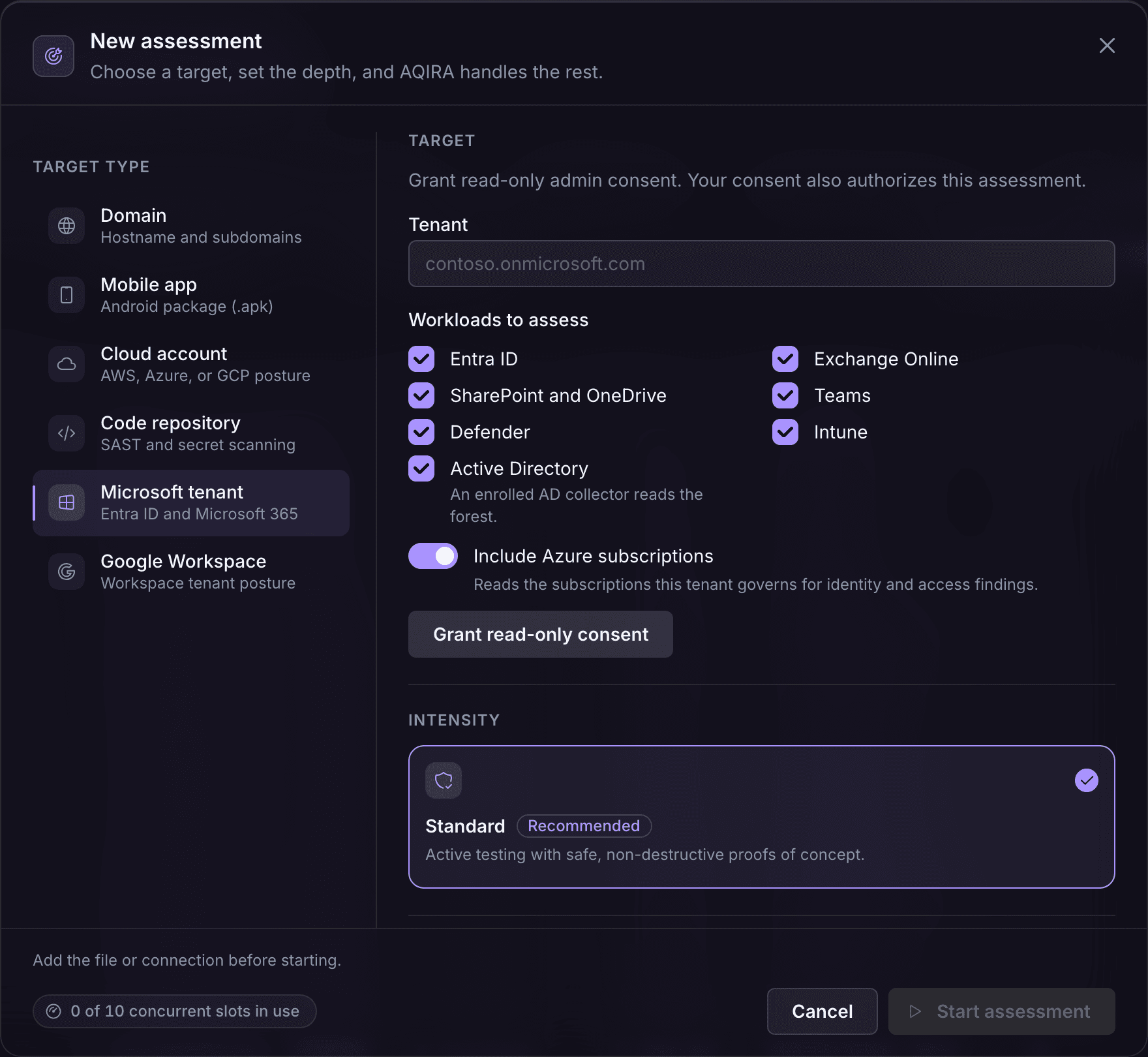
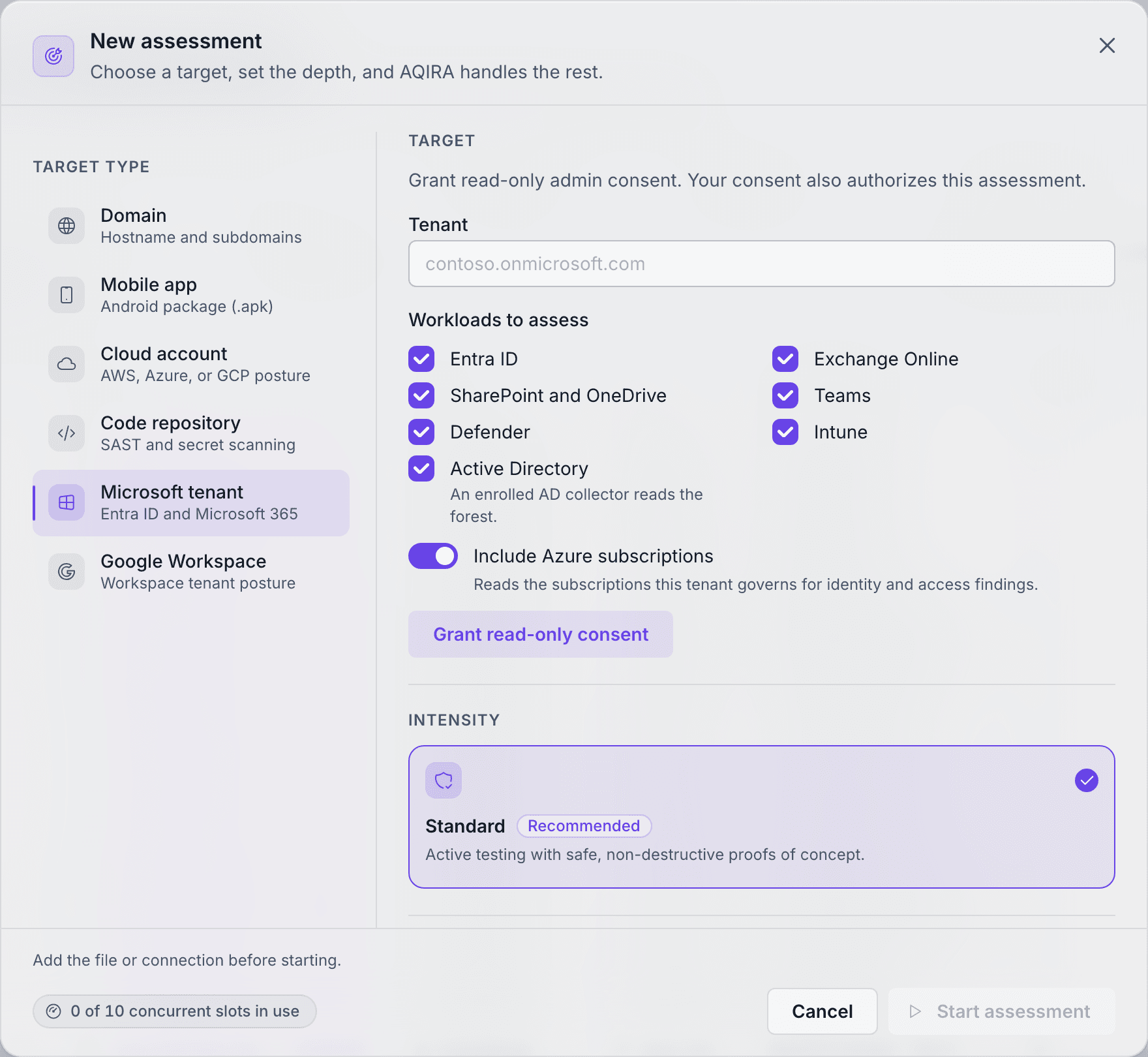
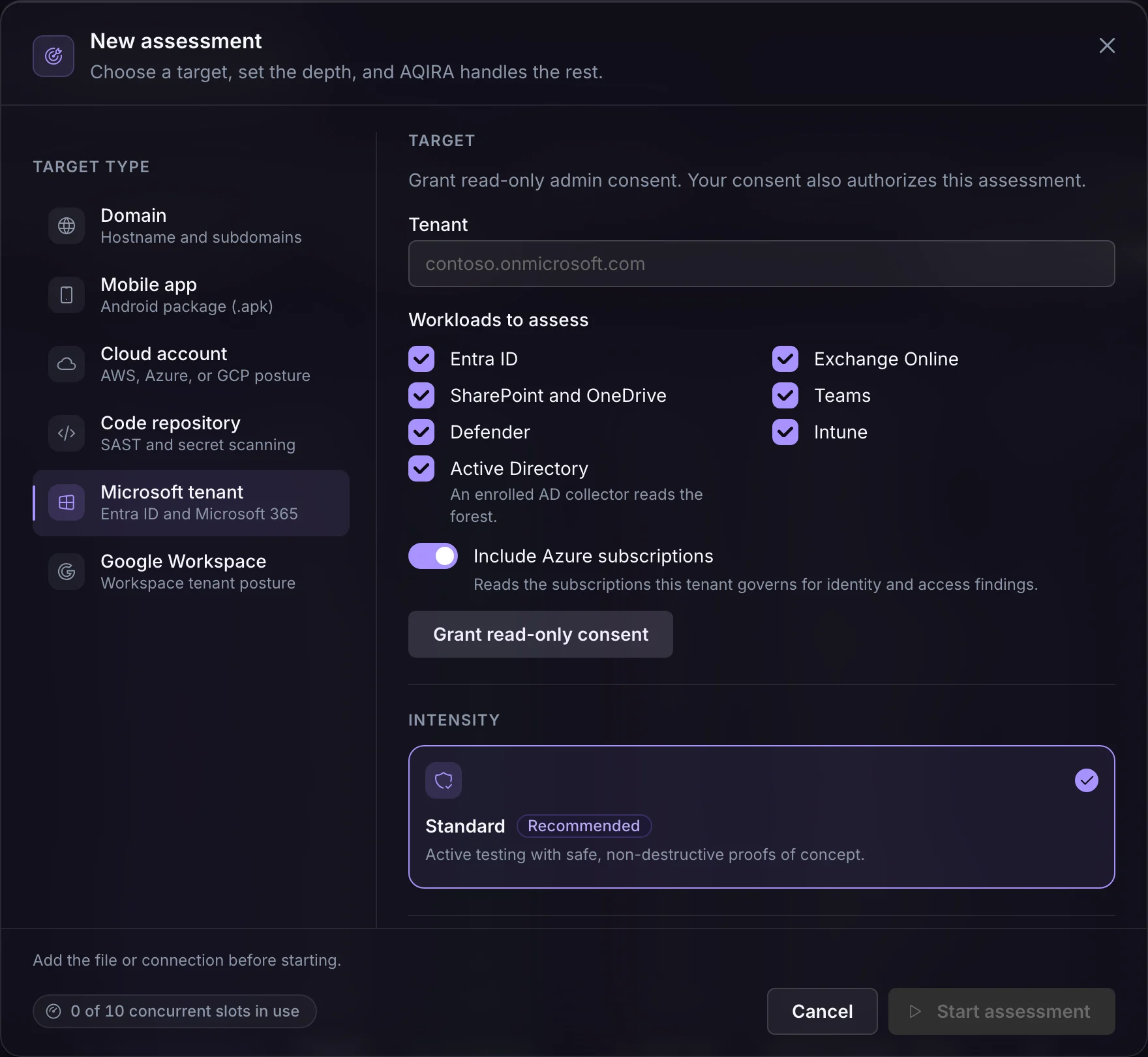
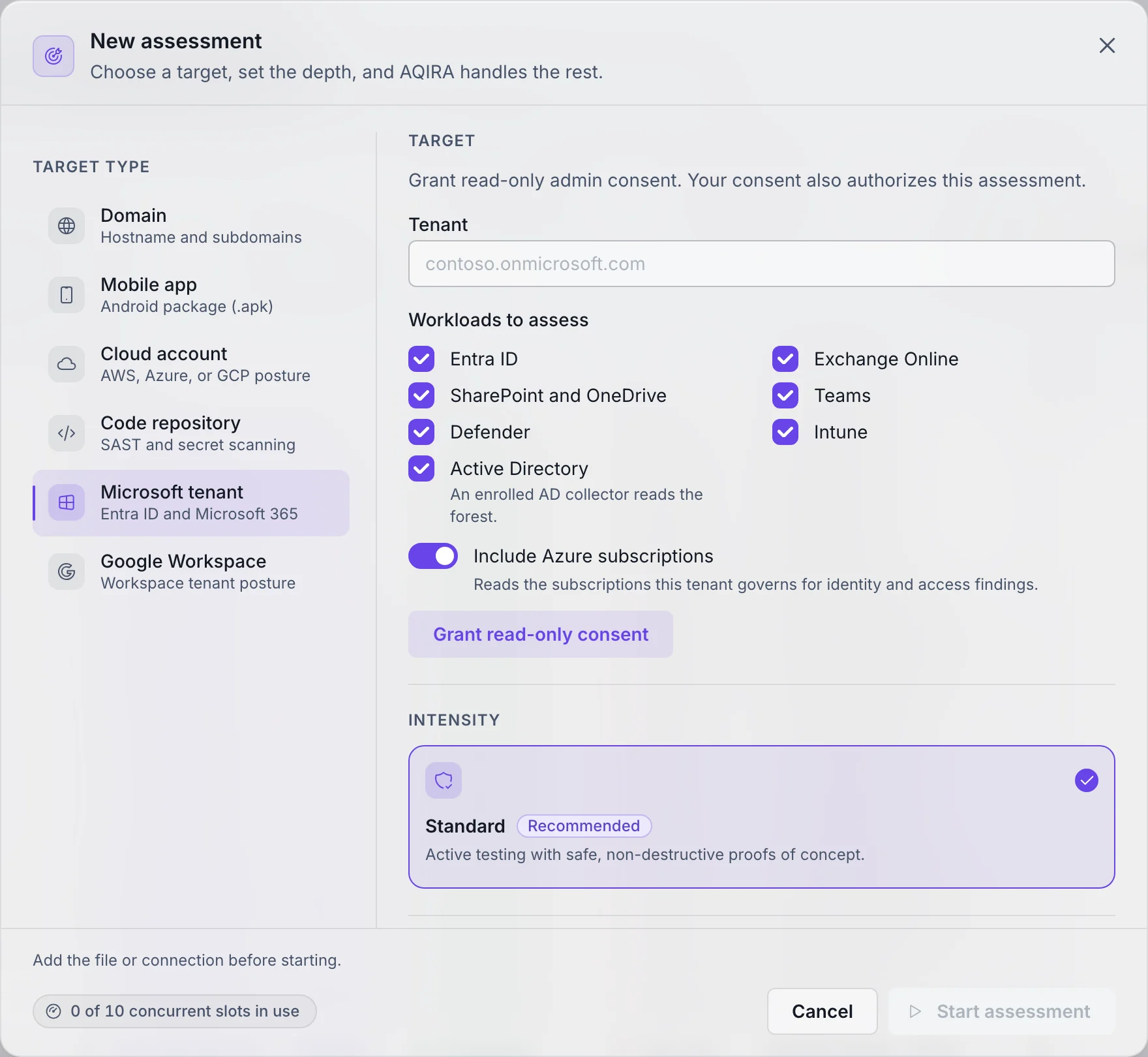
What you hand AQIRA
On a Microsoft tenant, the New assessment step asks for the following.
- You provide
- Read-only admin consent for a Microsoft tenant, and the workloads to assess: Entra ID, Exchange Online, SharePoint and OneDrive, Teams, Defender and Intune.
- Access
- Consent also authorises the assessment. On-premises Active Directory is read by a collector enrolled inside your network.
- Authorisation
- The assessment starts only once the operator confirms:
I authorize a read-only assessment of this tenant.
- Intensity
- Standard. Active testing with safe, non-destructive proofs of concept.
What each input's access allows, and how AQIRA keeps it to the least it needs, is on the security page.
ORION, VEGA, ATLAS, NOVA, POLARIS, SCRIBE
What each agent does on this input
The same six agents, in the same order; on a Microsoft tenant this is the work.
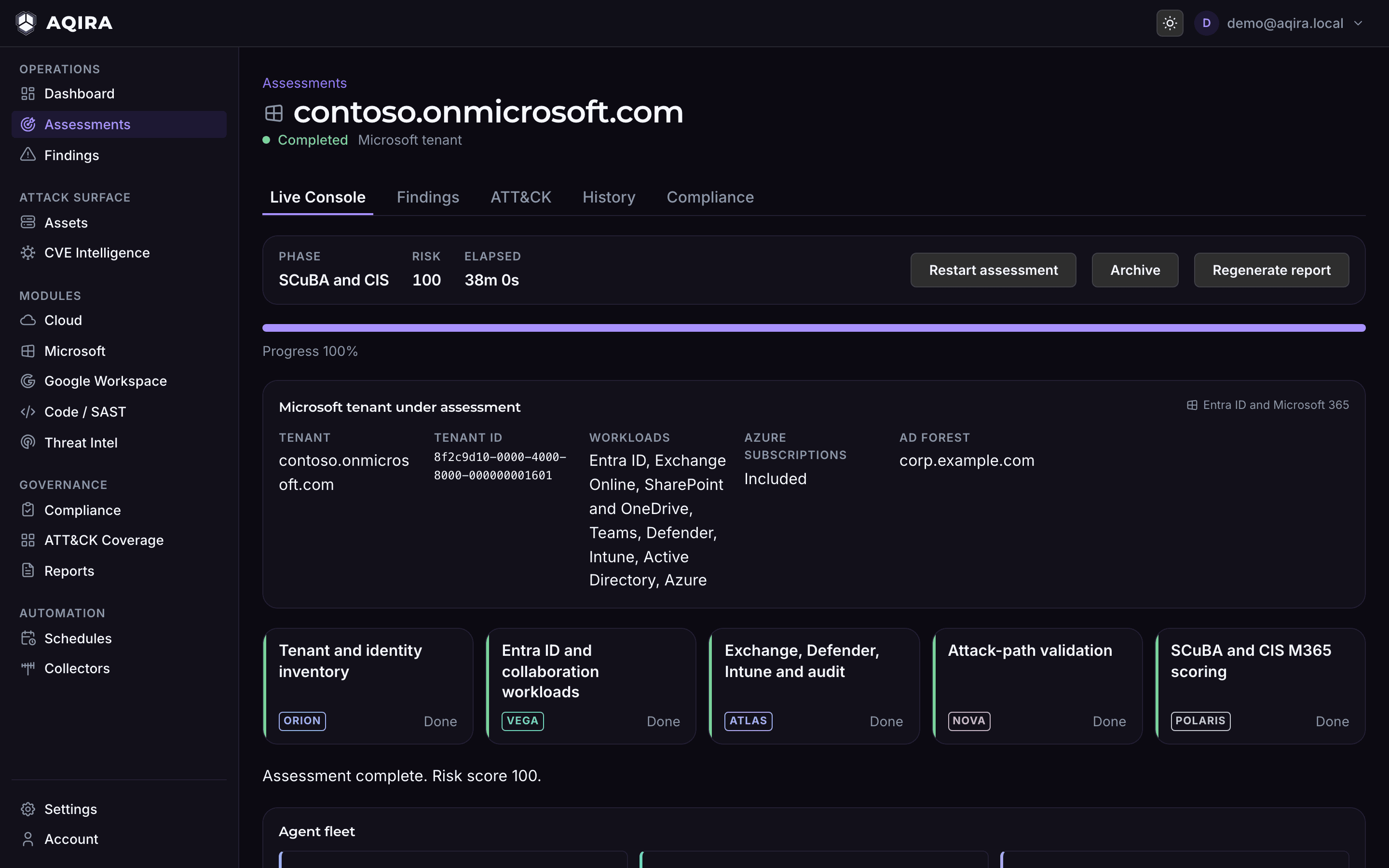
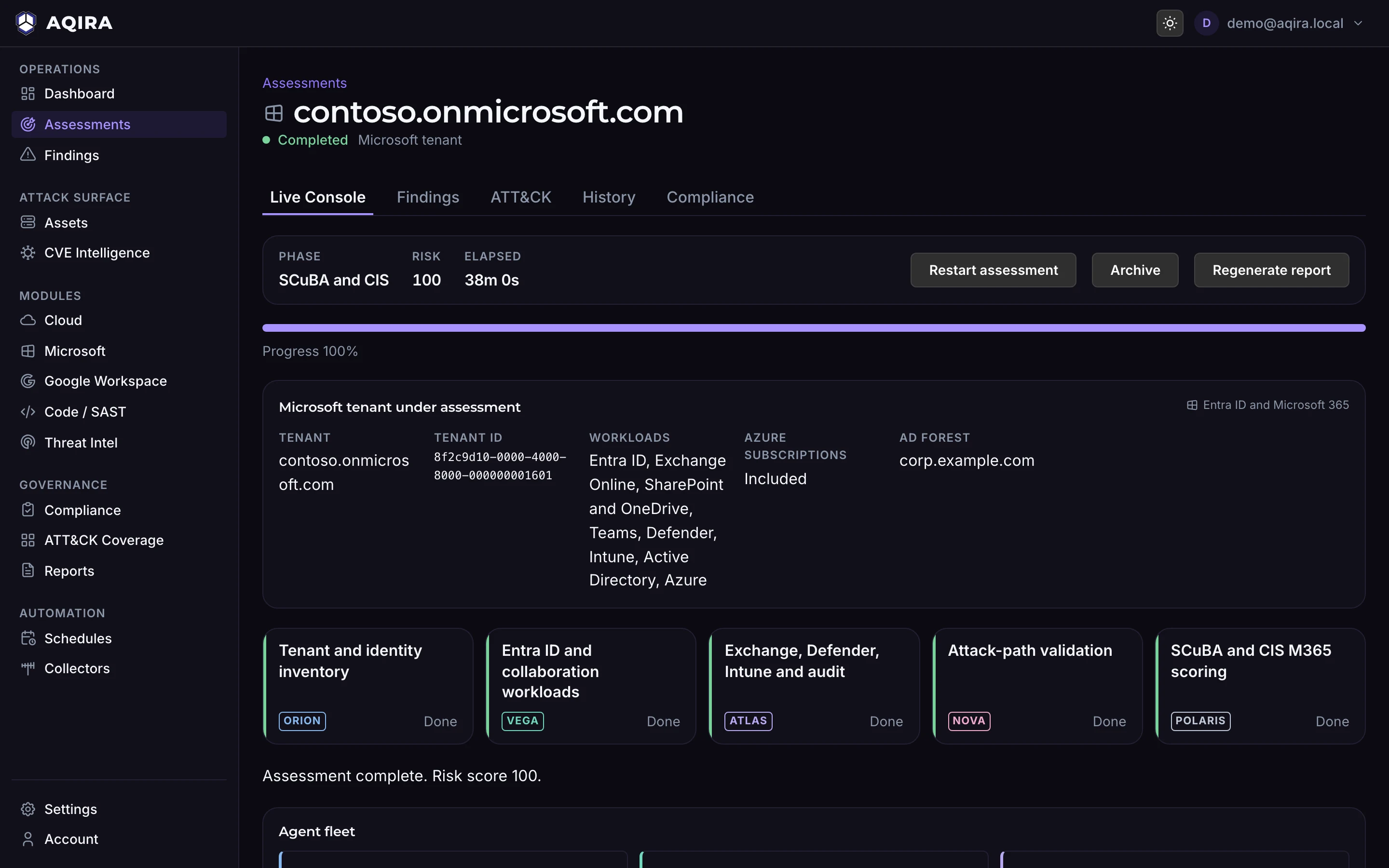
01ORIONTenant and identity inventory
Inventories the tenant's principals, roles and applications.
- Tenant inventory
- Identity graphing
- Open-source intel
02VEGAEntra ID and collaboration workloads
Reads identity and collaboration workload policy.
- Policy readout
- Identity posture
- Integration scanning
03ATLASExchange, Defender, Intune and audit
Reviews mail flow, endpoint posture and audit logging.
- Mail-flow review
- Endpoint posture
- Audit review
04NOVAAttack-path validation
Validates identity attack paths to benign proof.
- Attack-path validation
- Breach exposure
- Vulnerability correlation
05POLARISSCuBA and CIS M365 scoring
Consolidates what the others found. Scores the tenant against CIS Microsoft 365 and CISA SCuBA.
06SCRIBEReport
Writes the client-deliverable report from the same evidence the console shows.
The findings it raises
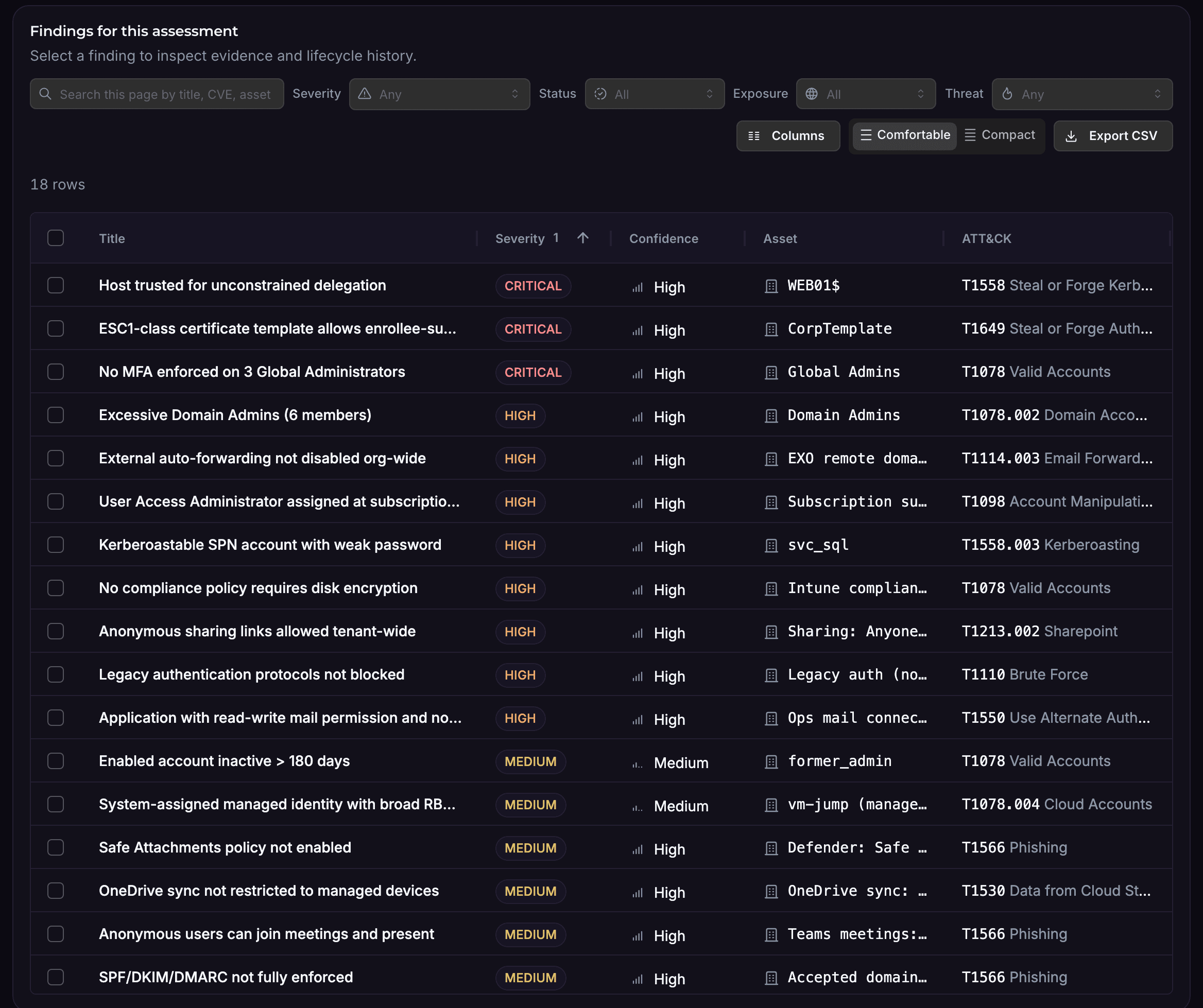
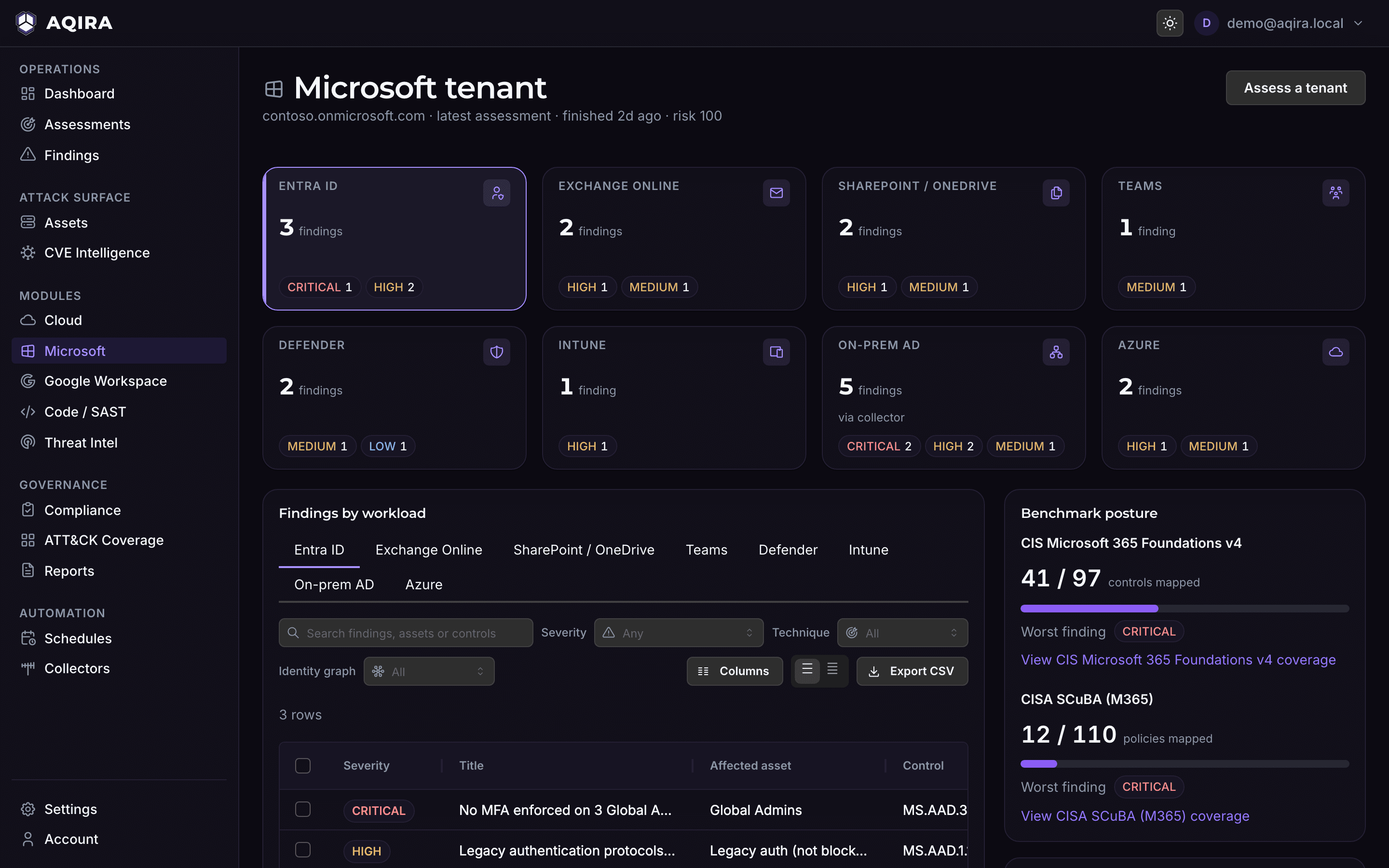
Examples of what AQIRA reports on a Microsoft tenant, each with evidence, steps to reproduce, remediation in priority order and its ATT&CK technique.
Microsoft 365
- Global Administrators without MFA
- Legacy authentication not blocked
- Application with read-write mail permission and no owner
- External auto-forwarding not disabled
- Anonymous sharing links allowed tenant-wide
- Audit log retention below one year
Active Directory, through a collector
- Certificate template that lets the enrollee supply the subject name (ESC1)
- Host trusted for unconstrained delegation
- Kerberoastable service account with a weak password
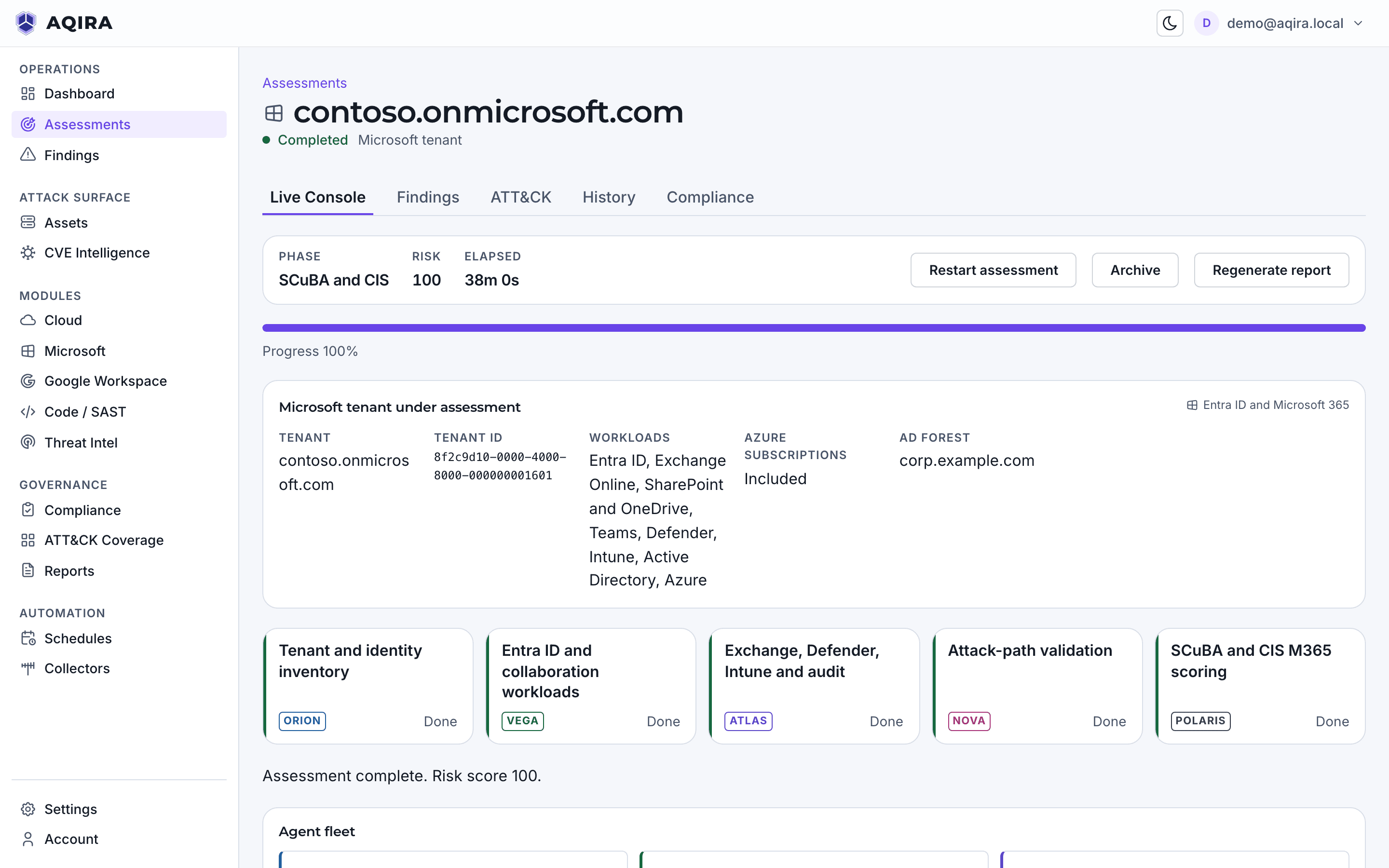
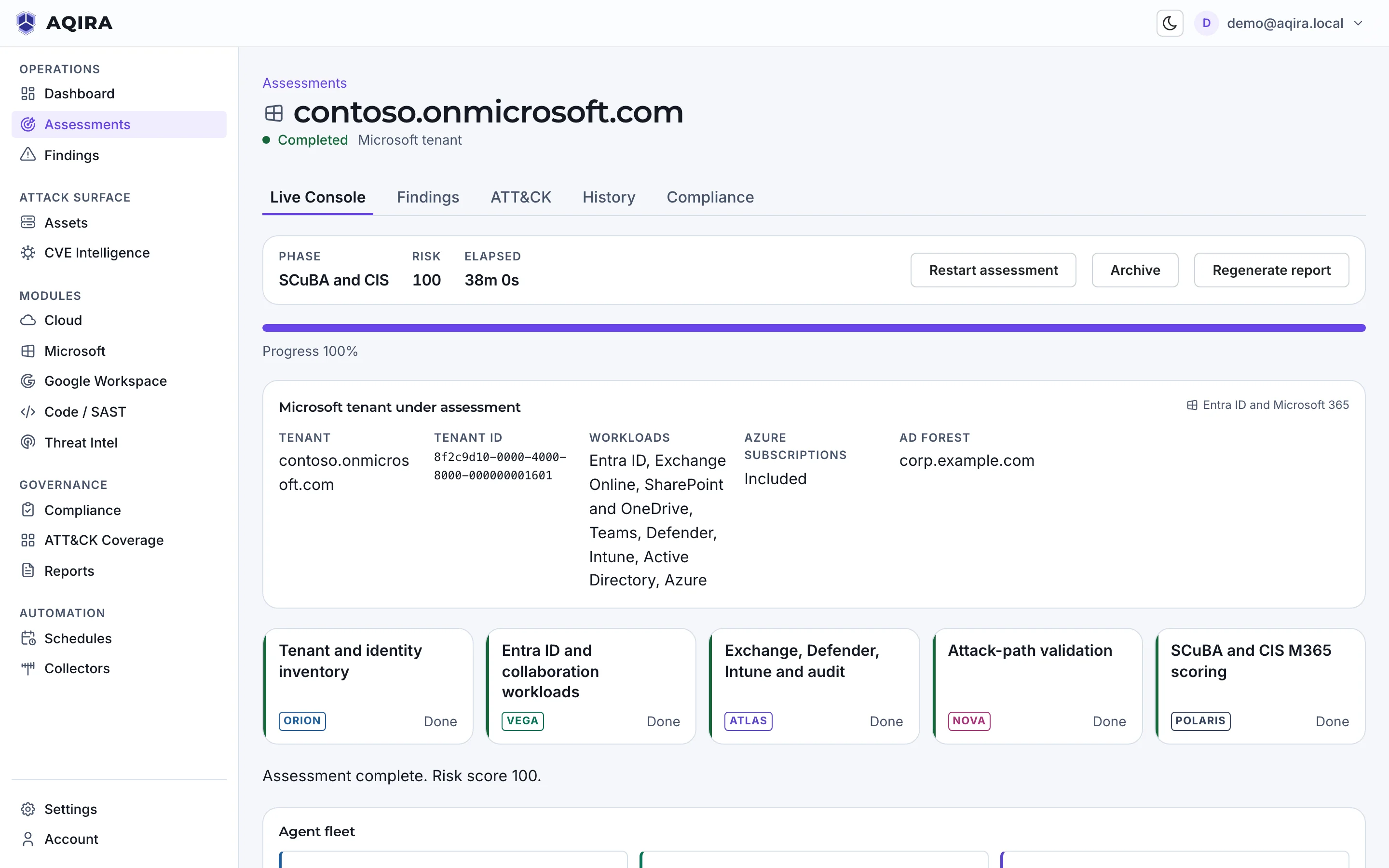
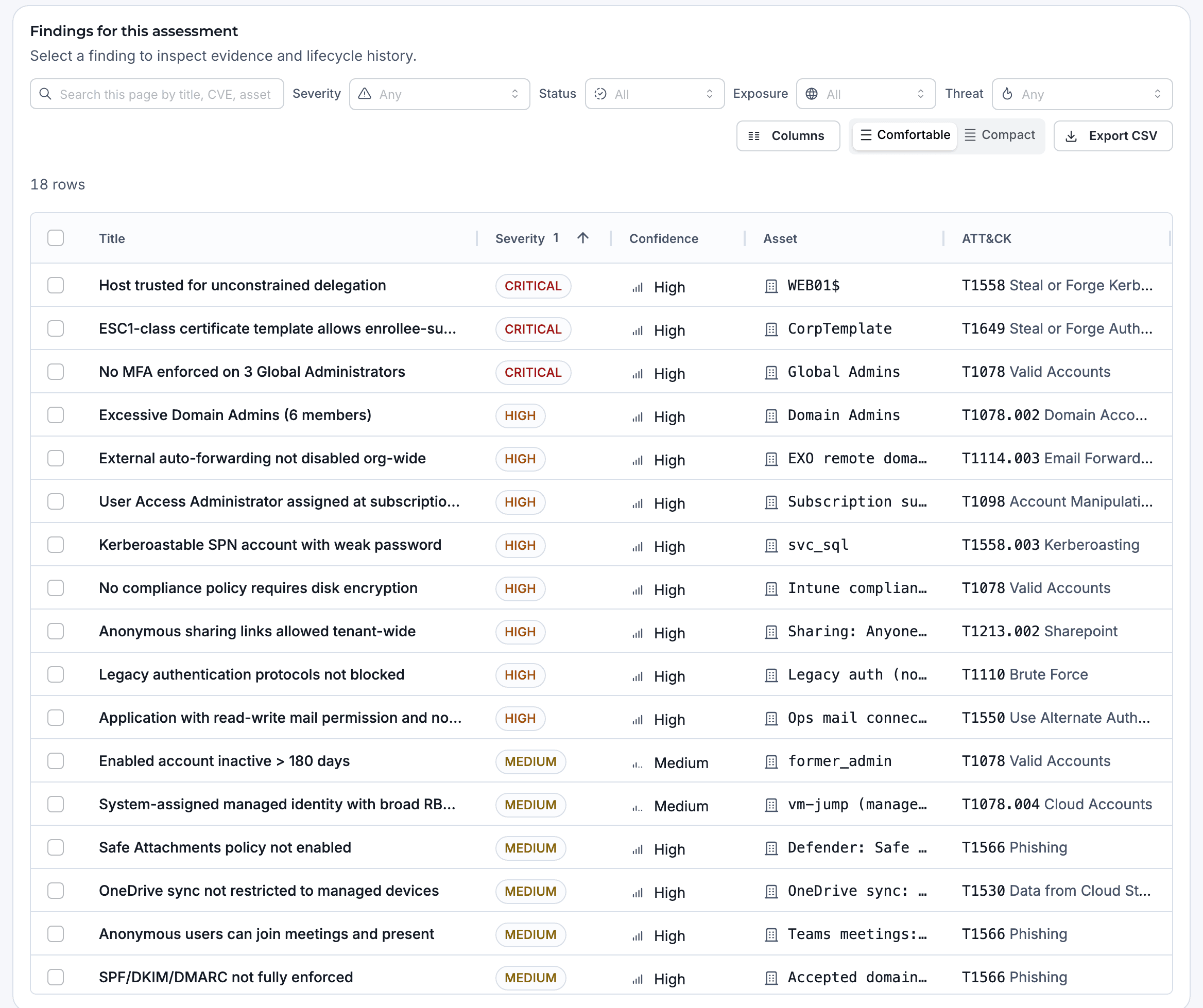
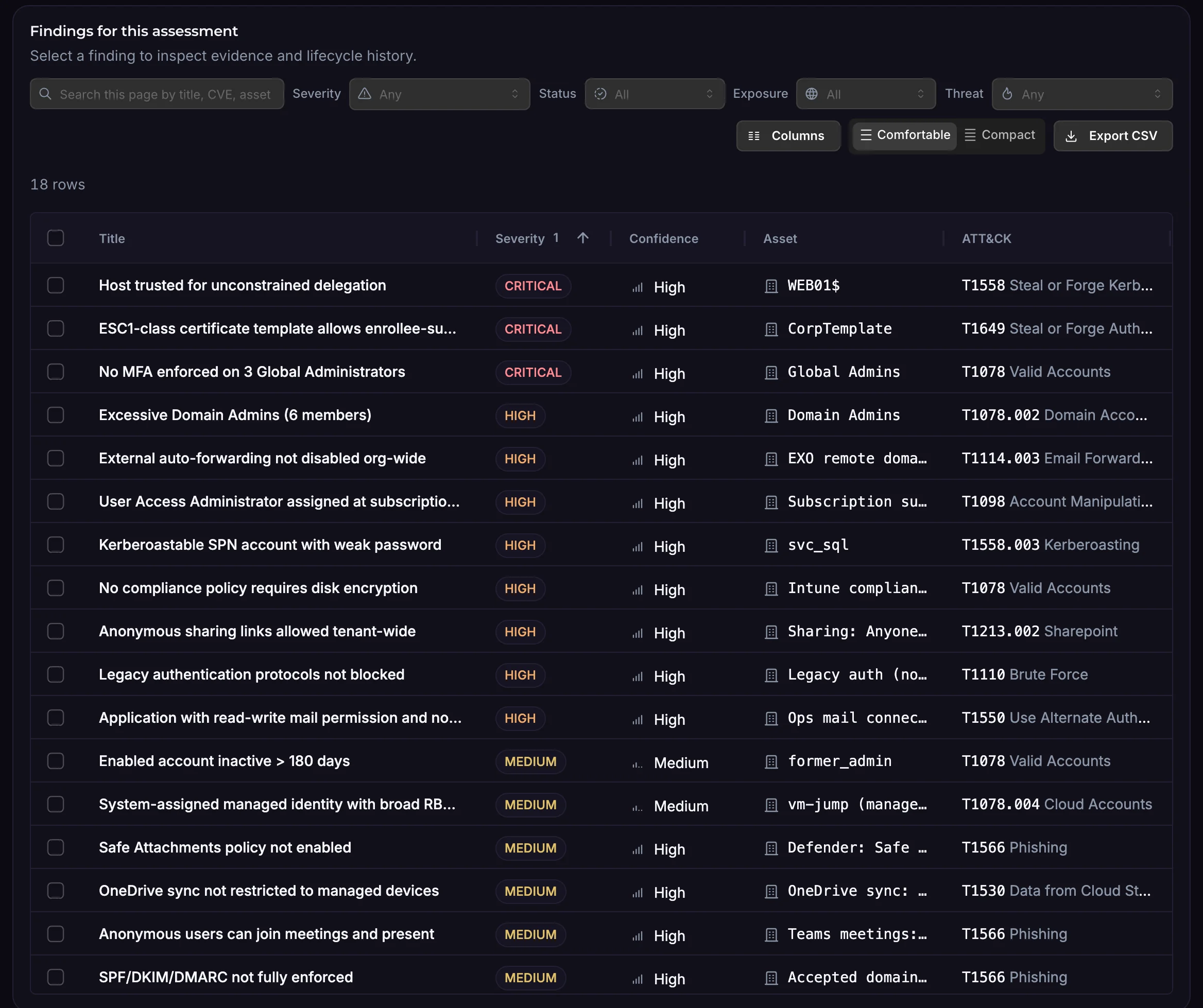
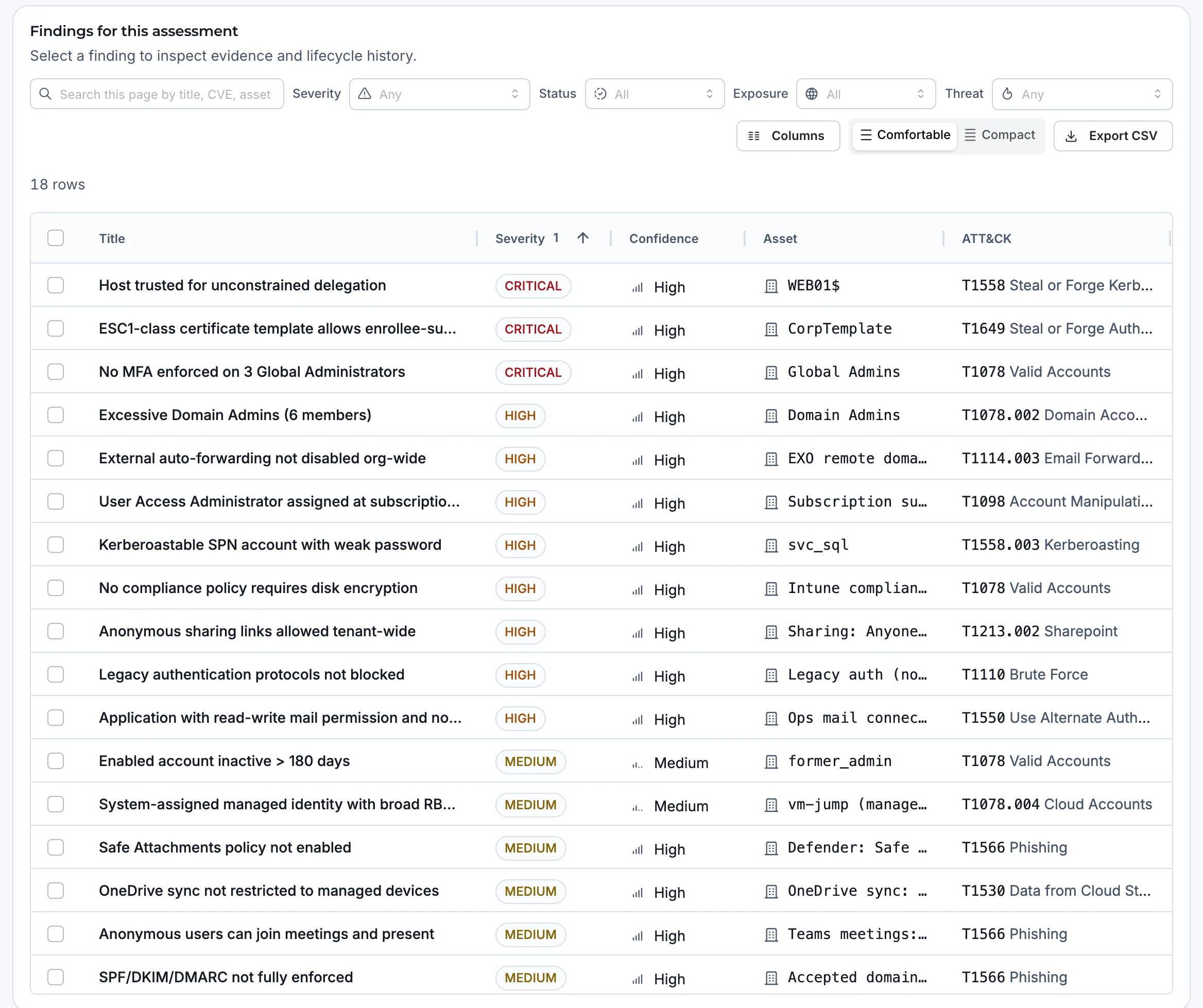
Examples only. What an assessment finds depends on your target; the capture shows a demo assessment.
What it maps, and where results land
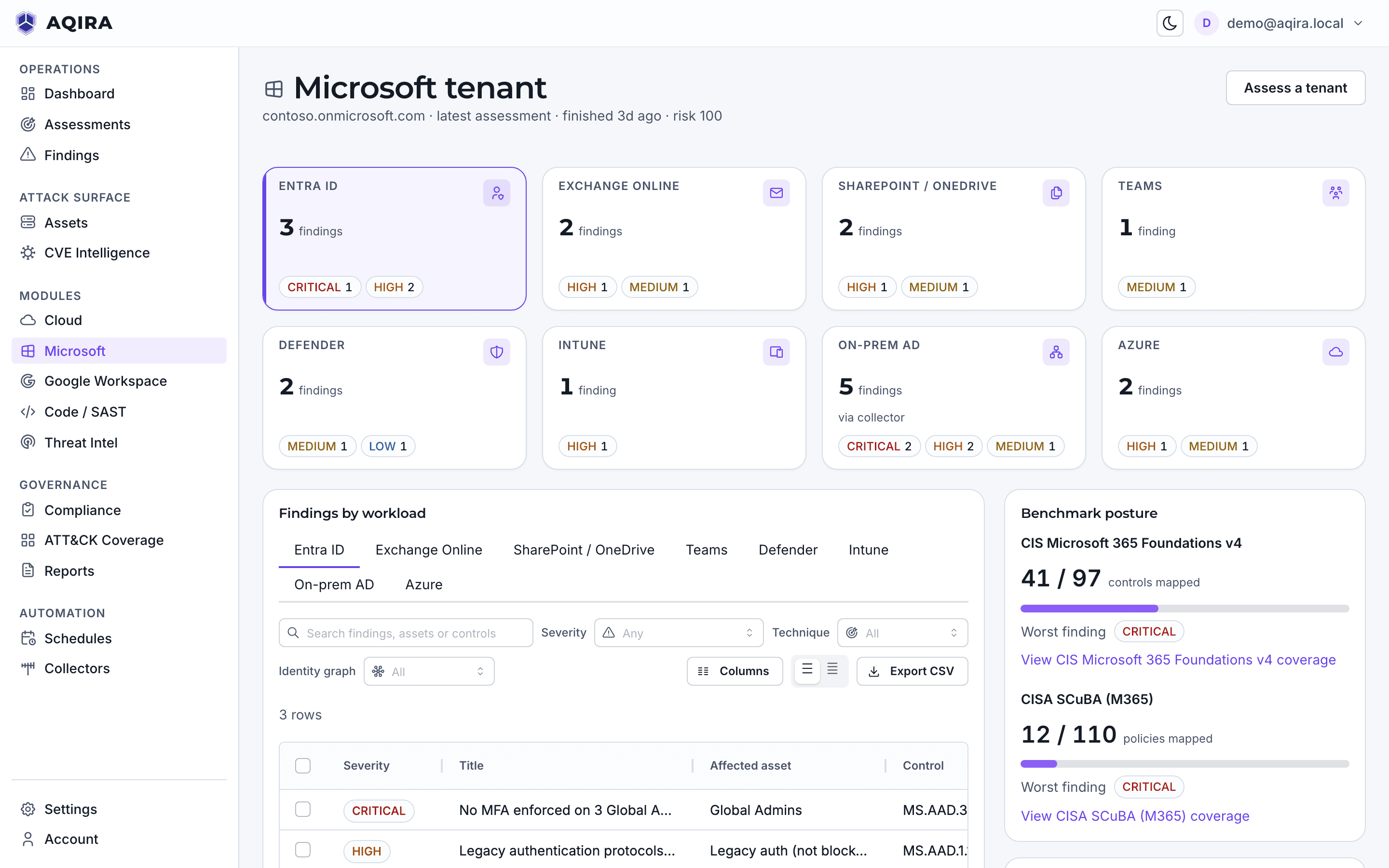
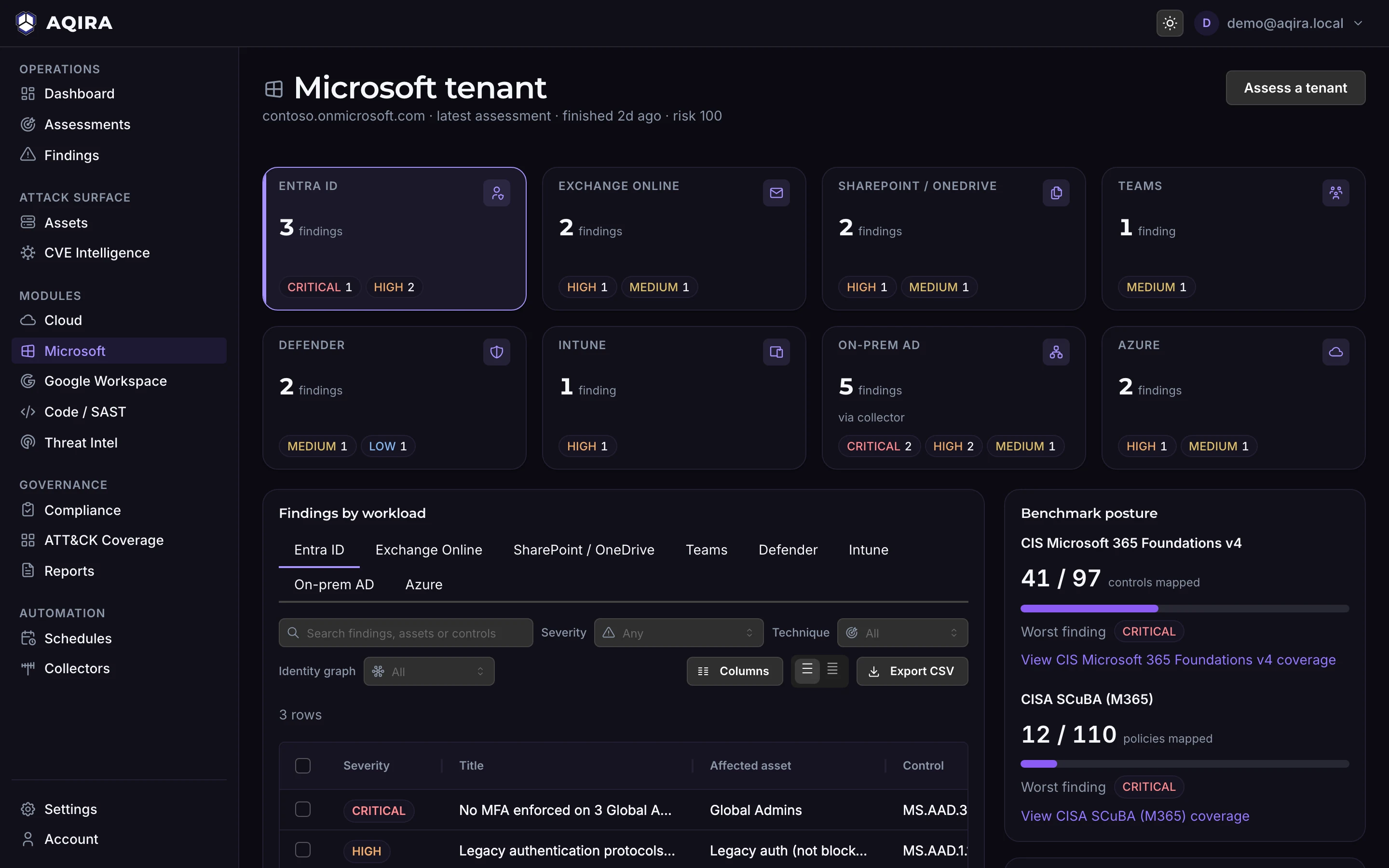
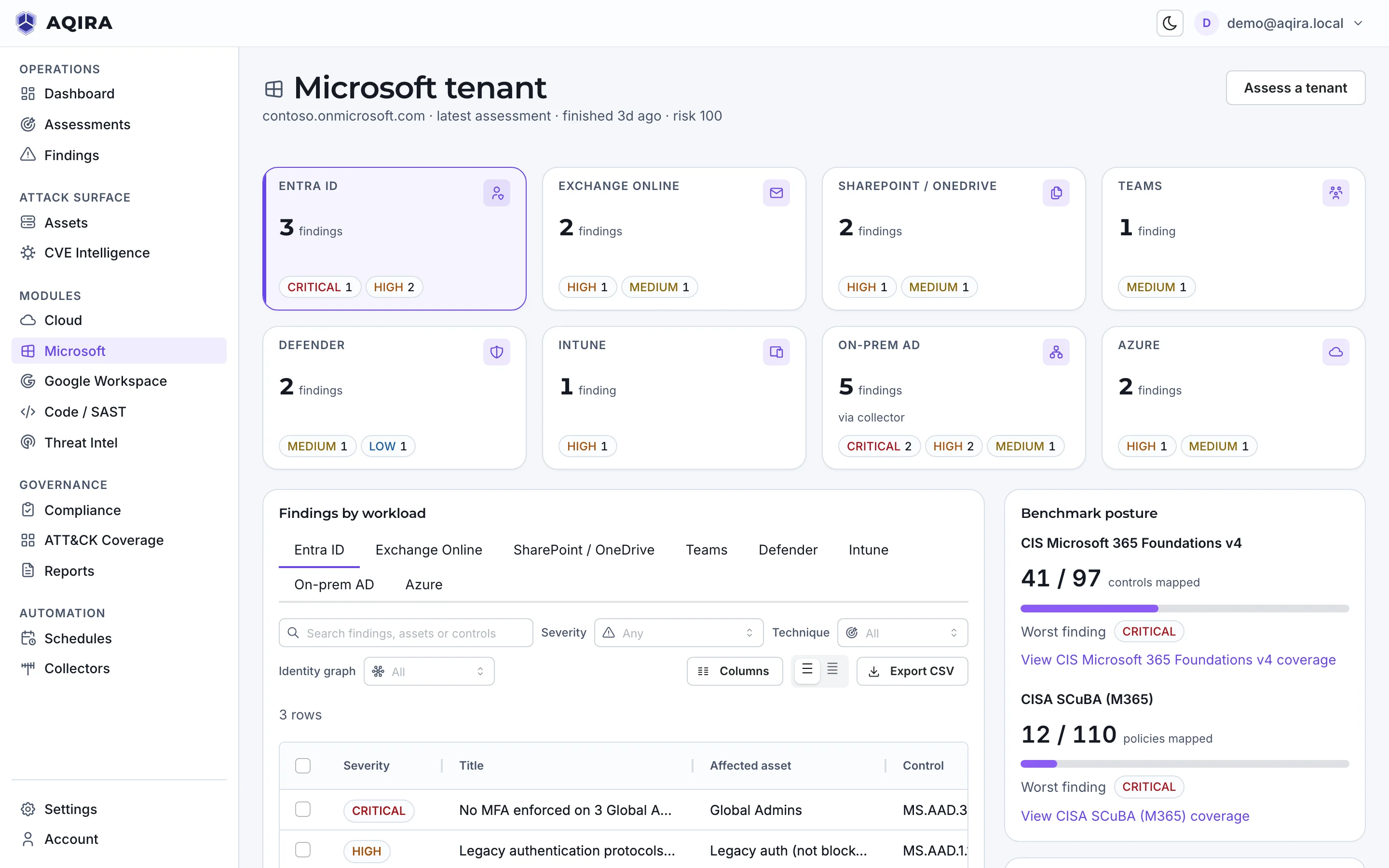
Results also land on the Microsoft tenant screen: findings per workload, Entra ID to Intune, and posture against CIS Microsoft 365 and CISA SCuBA.
- Identities and roles
- Entra users, groups, roles, applications and service principals, devices and sync accounts. With a collector, on-premises AD users, computers, groups, Group Policy objects and certificate templates.
- Policies and settings
- Policy across Entra ID, Exchange Online, SharePoint and OneDrive, Teams, Defender and Intune.
Mapped to what your auditors read
POLARIS maps every finding to the controls it touches, in every framework that applies.
Scored against
- CIS Microsoft 365
- CISA SCuBA (M365)
Every finding is also mapped to
ATT&CK, OWASP, NIST CSF, NIST SP 800-53, NIST SP 800-171 and COBIT.
Control status, owner and evidence are in compliance mapping; what reaches the client is in the reports.
Where this assessment stops
A clean result covers only what AQIRA tests on a Microsoft tenant.
Read-only consent
Read-only admin consent, granted in your own tenant; that consent also authorises the assessment.
On-premises AD through a collector
Active Directory inside your network is read only by a collector you enrol there, for the networks you authorise.
One intensity
Tenant assessments run at Standard: reading configuration and validating attack paths to benign proof.
Limits common to every input, and how proof stays benign, are in the methodology.
The other five inputs
Next step
A demo assessment of a Microsoft tenant
A demo runs one assessment in the console, with demo data: the agents at work, the evidence behind each finding, and the report.