A penetration test report for every reader
SCRIBE writes every report from the findings, evidence and mappings the console shows, in 8 templates, each for its reader, branded with your colours and logo and exported as HTML, PDF, JSON or CSV.
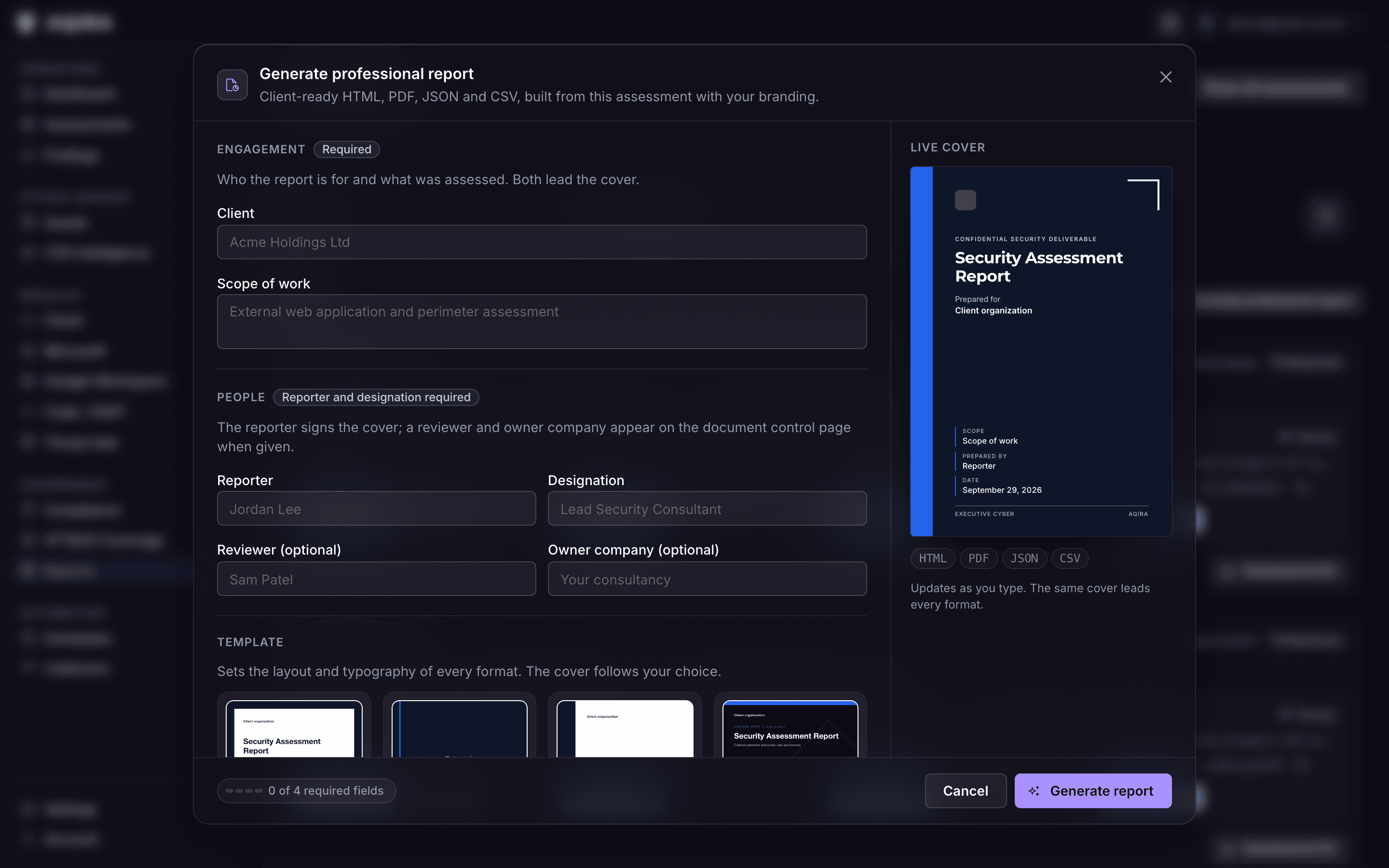
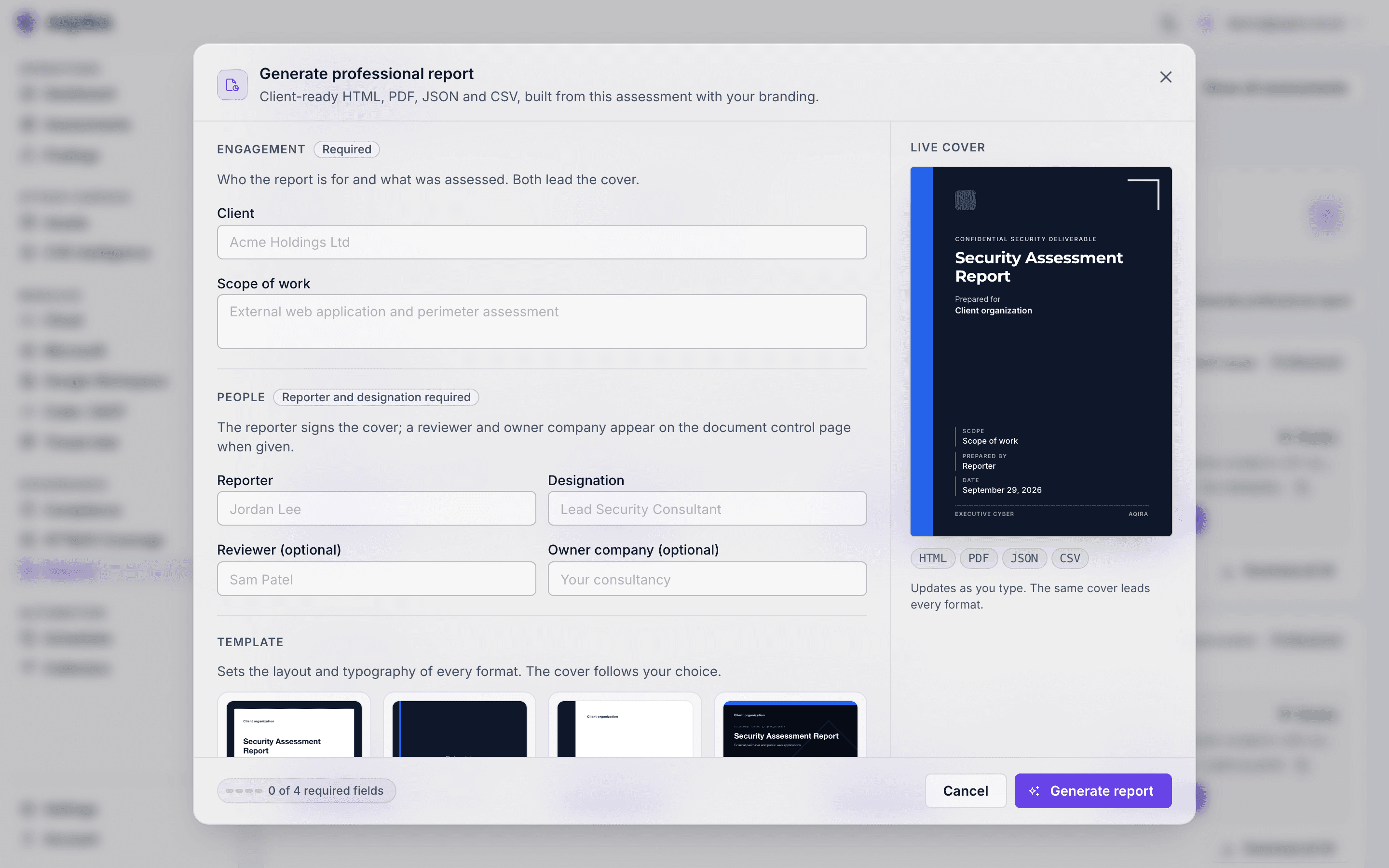
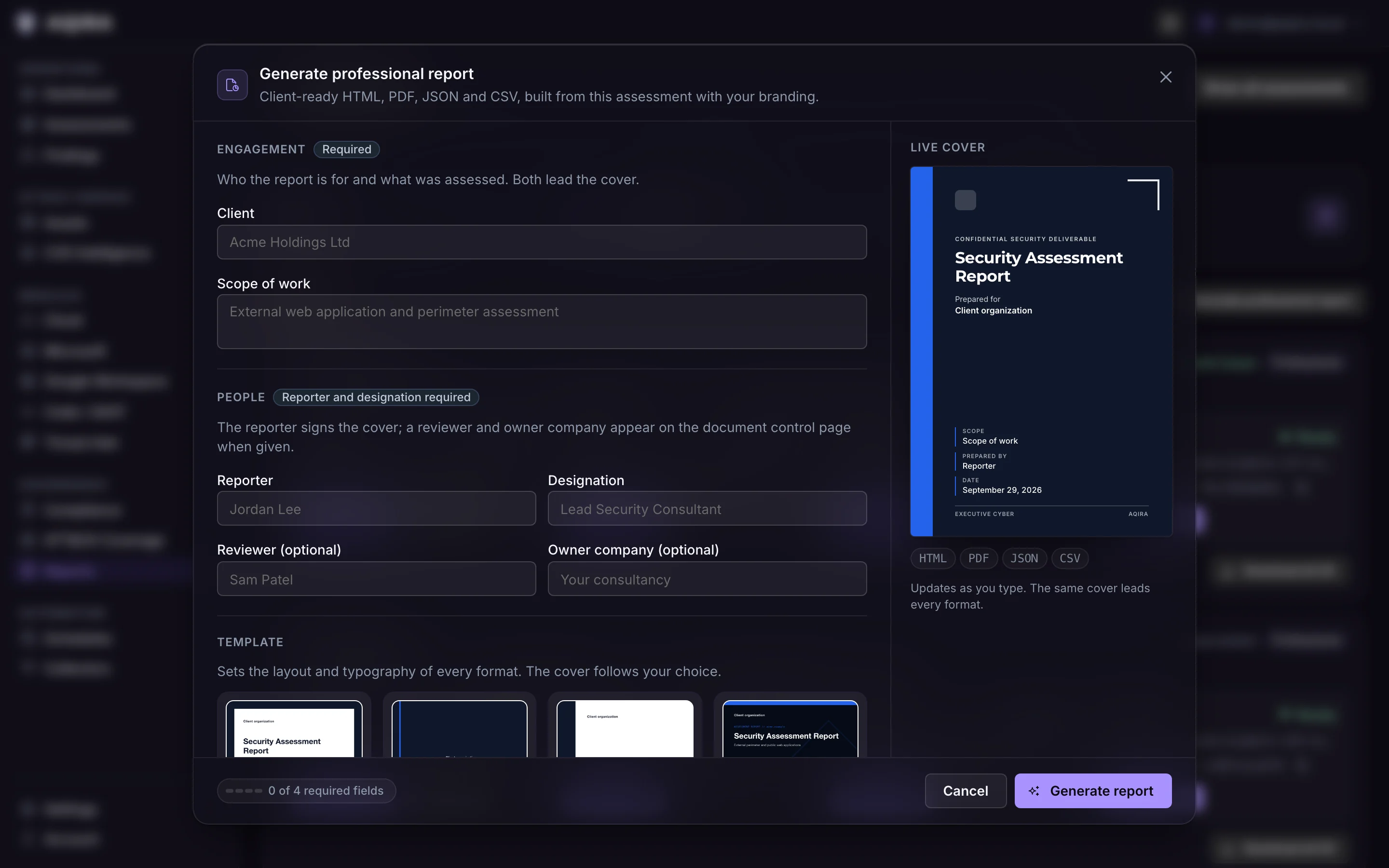
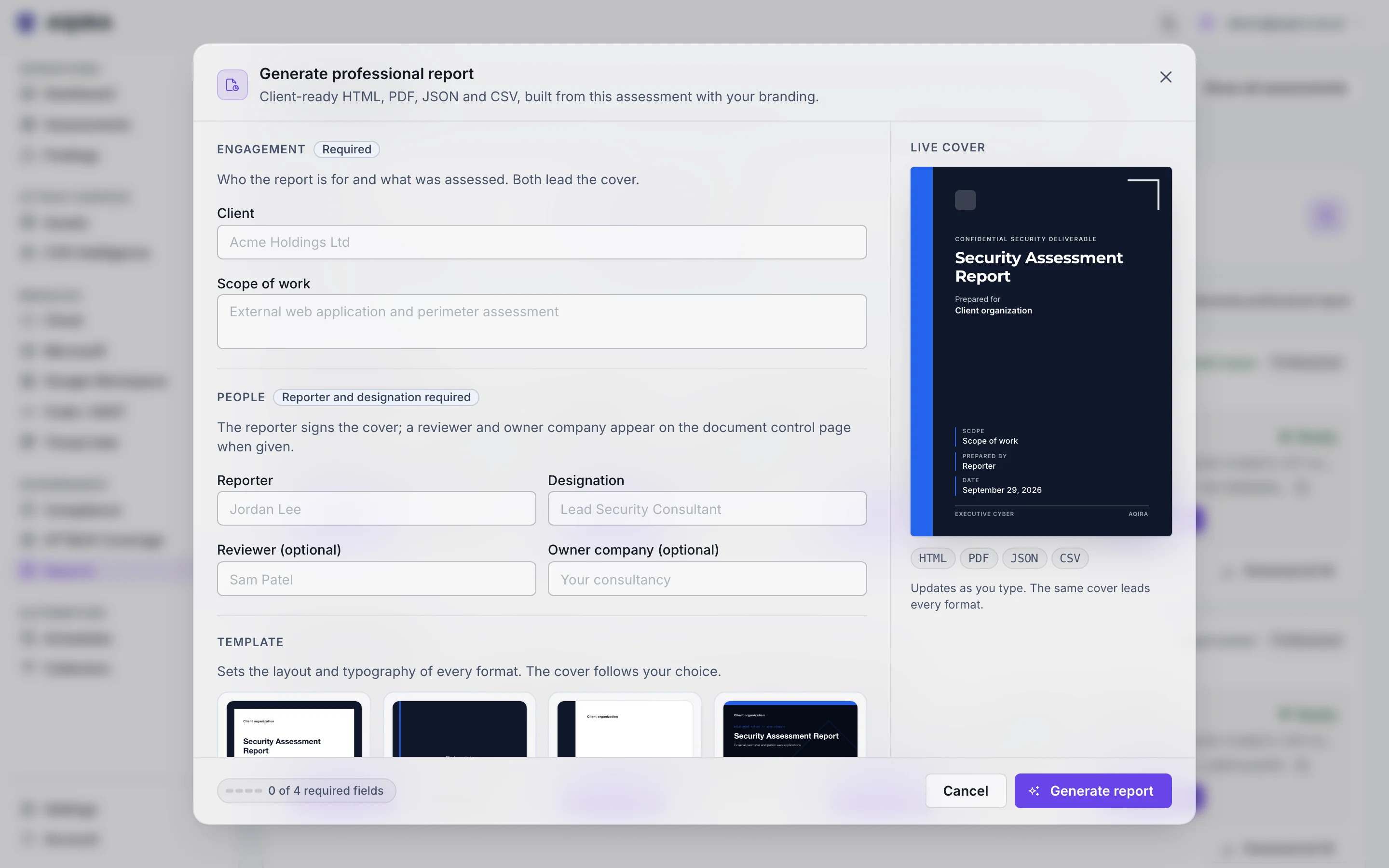
8 templates, each written for a reader
The findings and evidence are the same in every template; what changes is what the reader sees first, and how much.
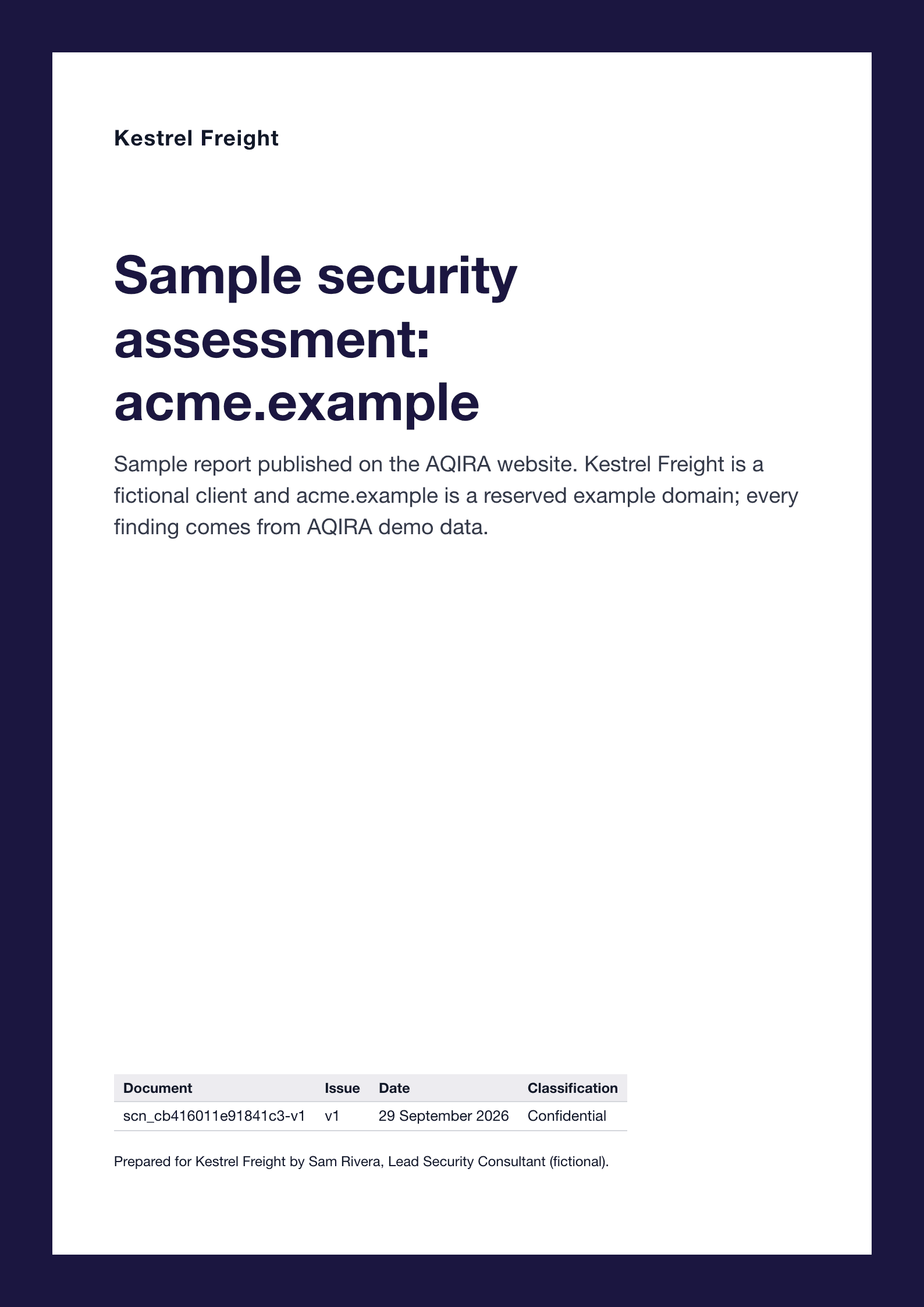
Audit Compliance
For auditors, GRC and regulators, with security management second. Controls lead every finding.
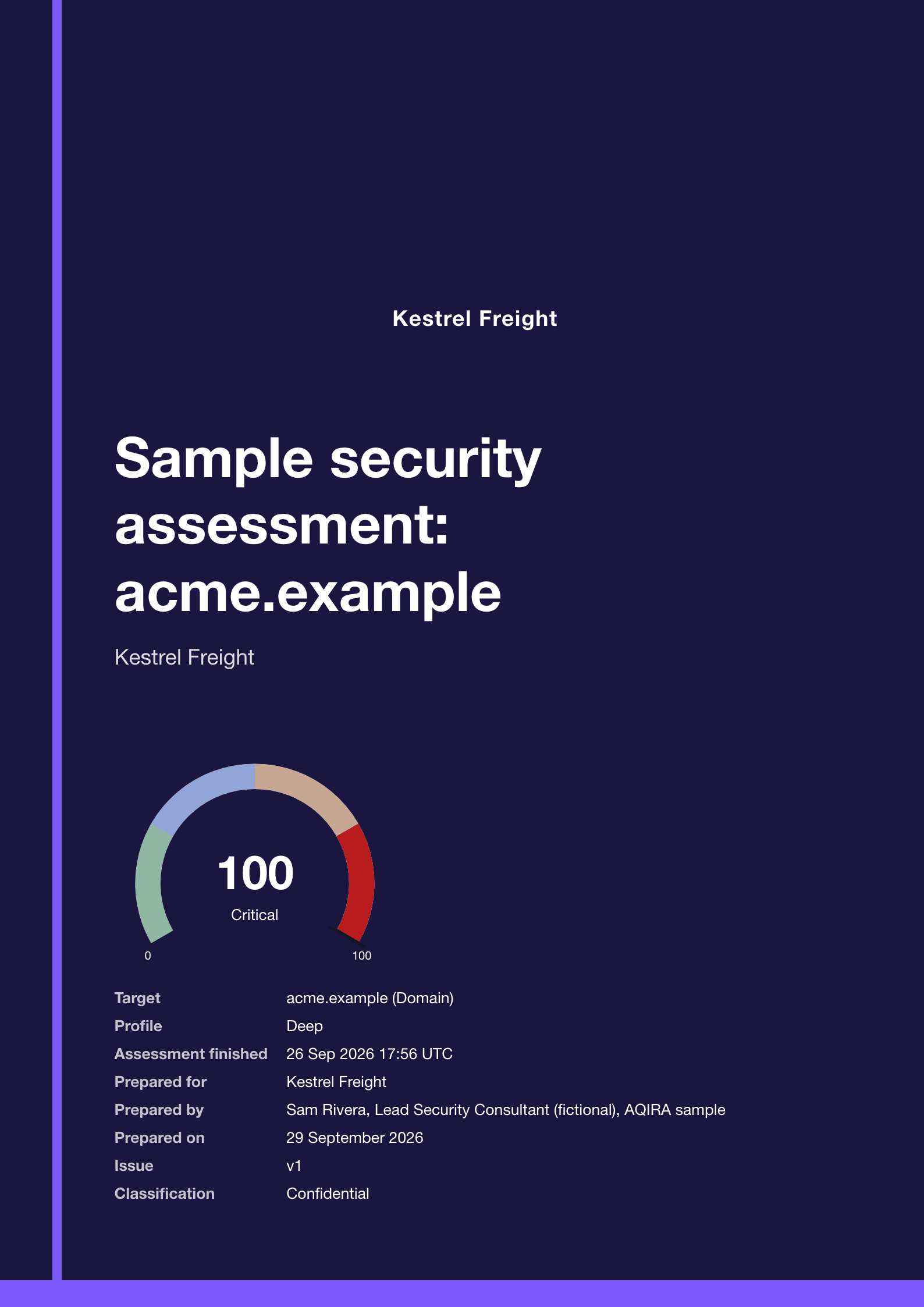
Boardroom Risk
For board members, the C-suite and budget owners. One risk figure, the roadmap and the decisions.
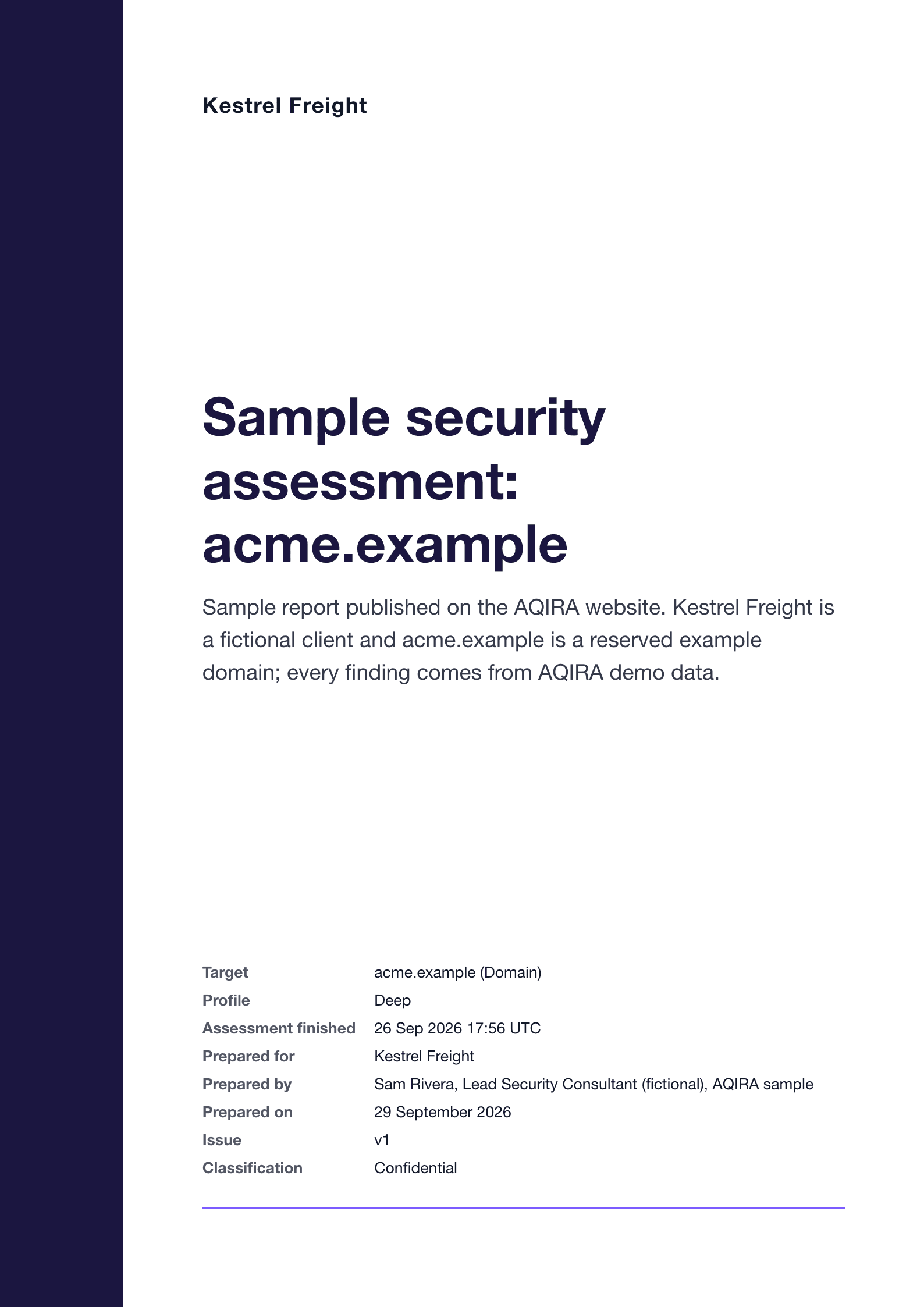
Corporate Light
For IT management and technical staff together. The balanced default, every section in order.
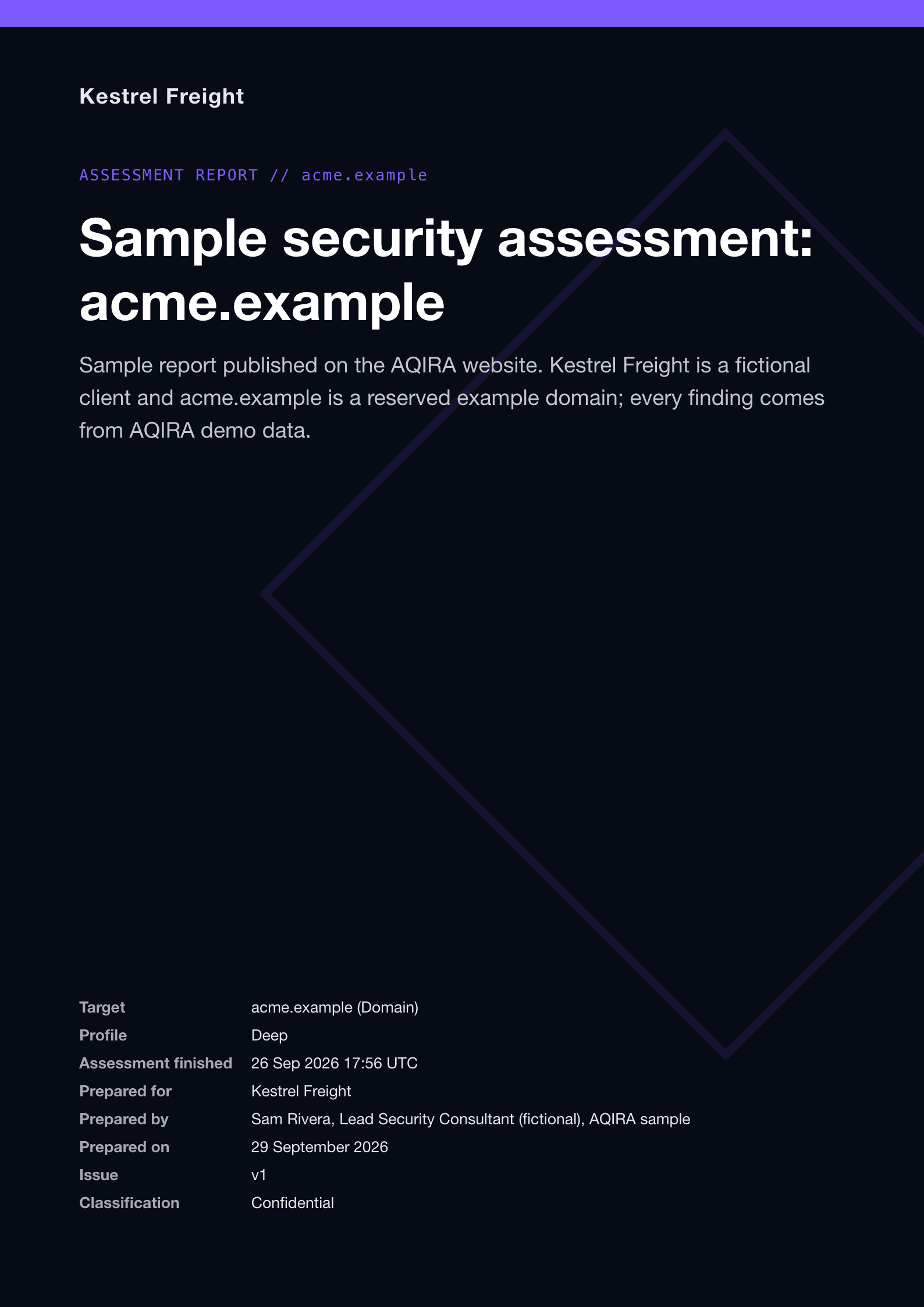
Cybersecurity
For SOC and blue-team engineers who think in techniques and attack paths.
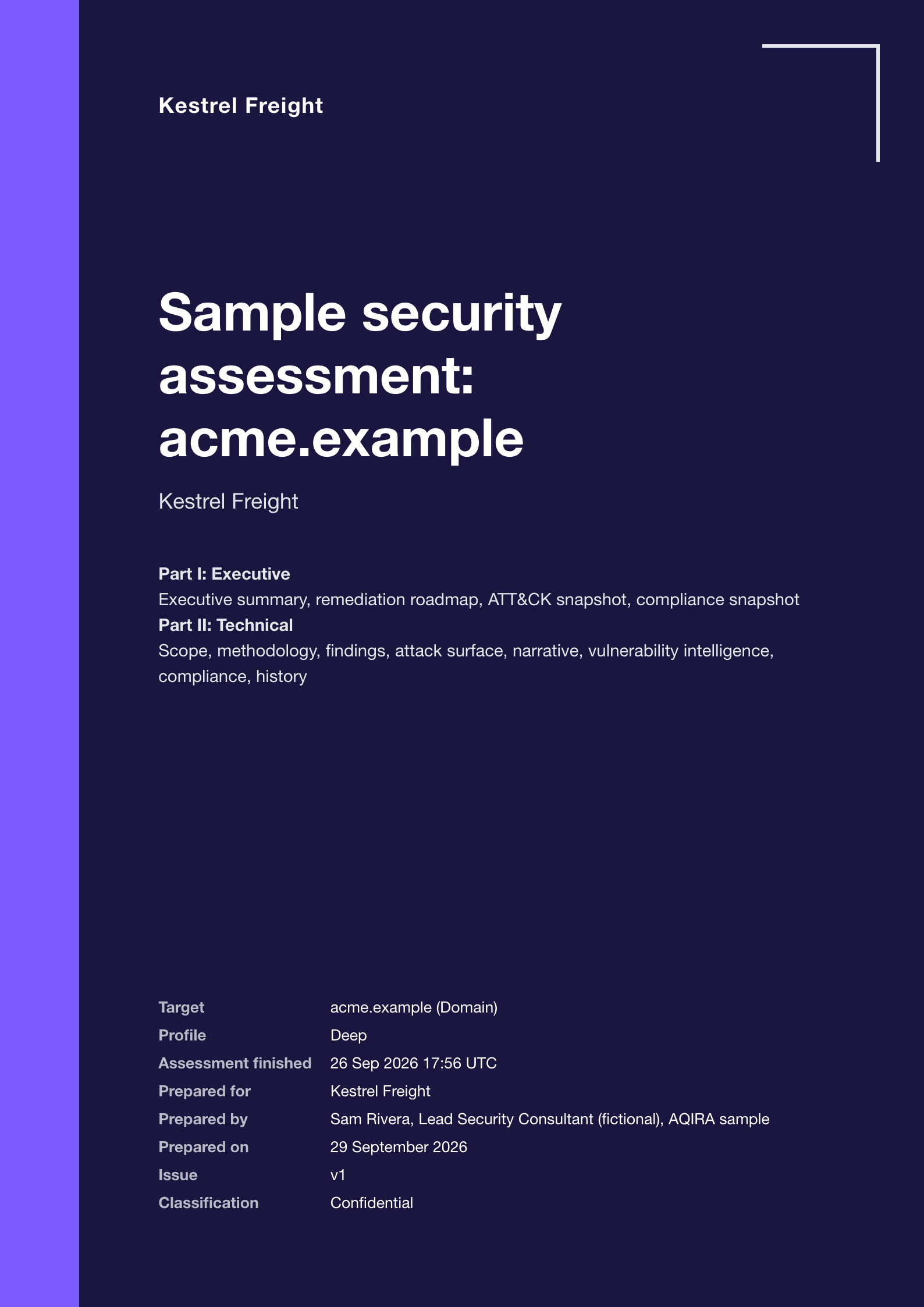
Executive Cyber
For the CISO and peers first, handing off to engineering in a technical Part II.
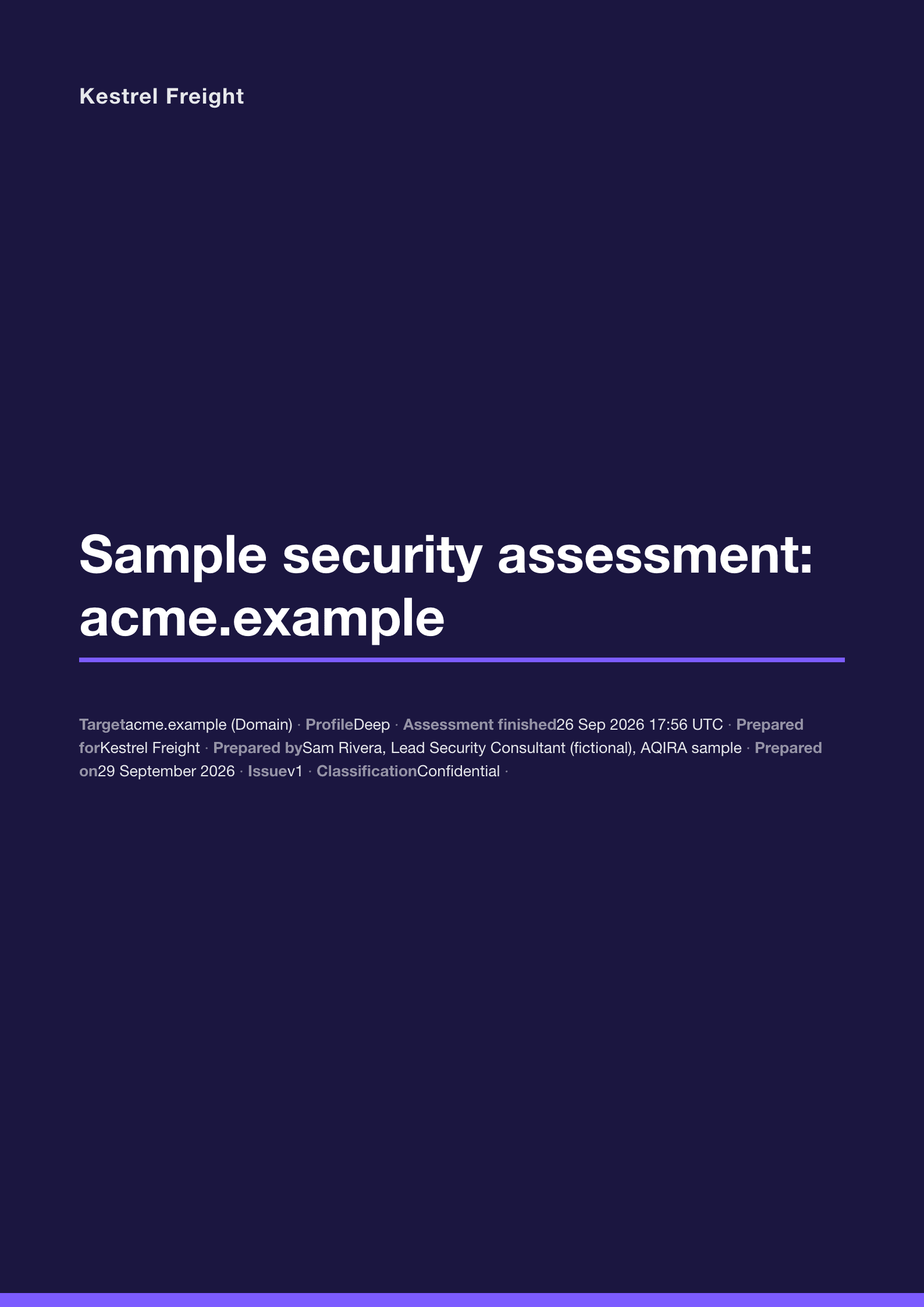
Minimal Dark
For engineers and technical clients reading on screen, and for fast retests.
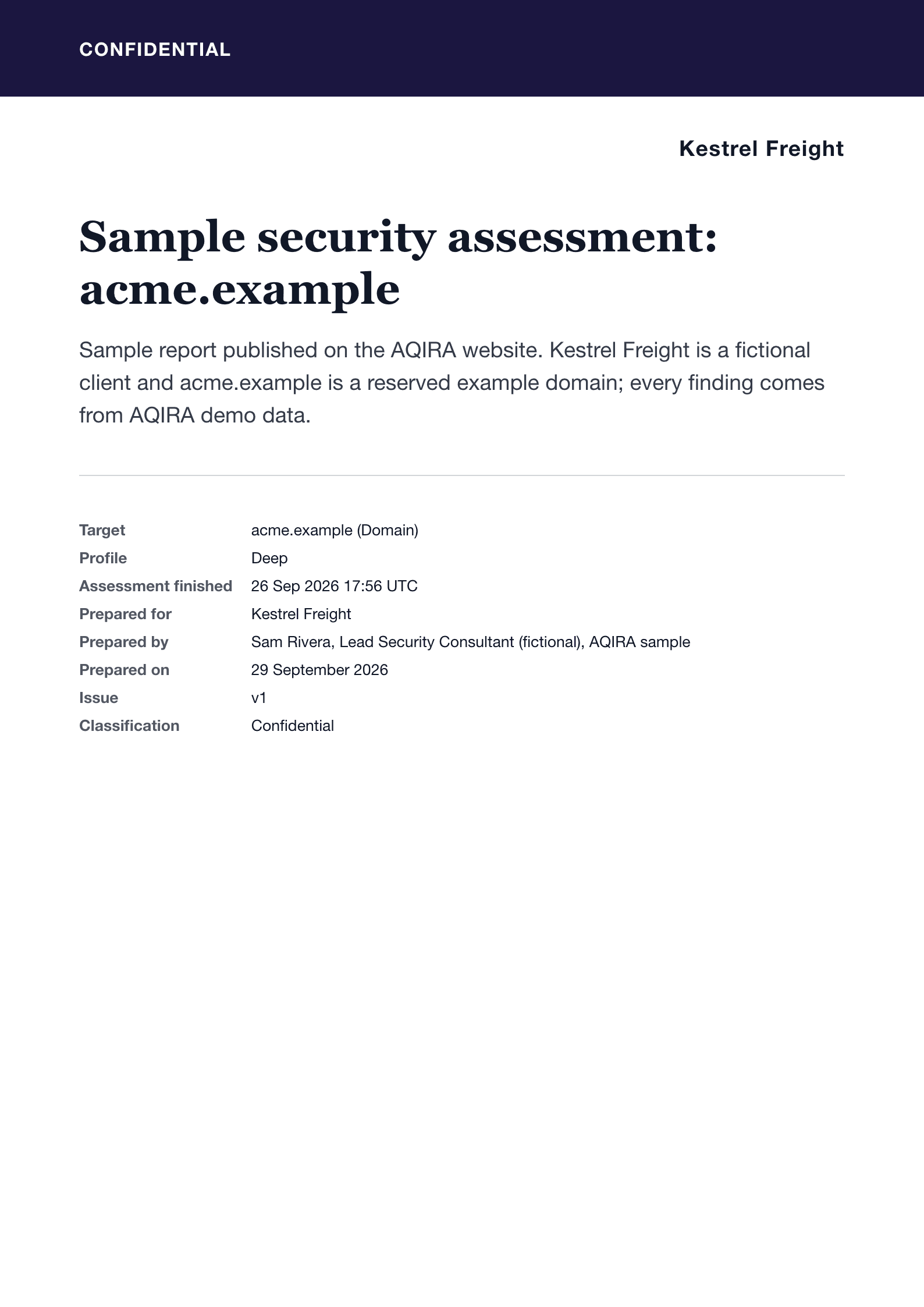
Minimal Formal
For legal, procurement and regulators. A contractual deliverable with a sign-off.
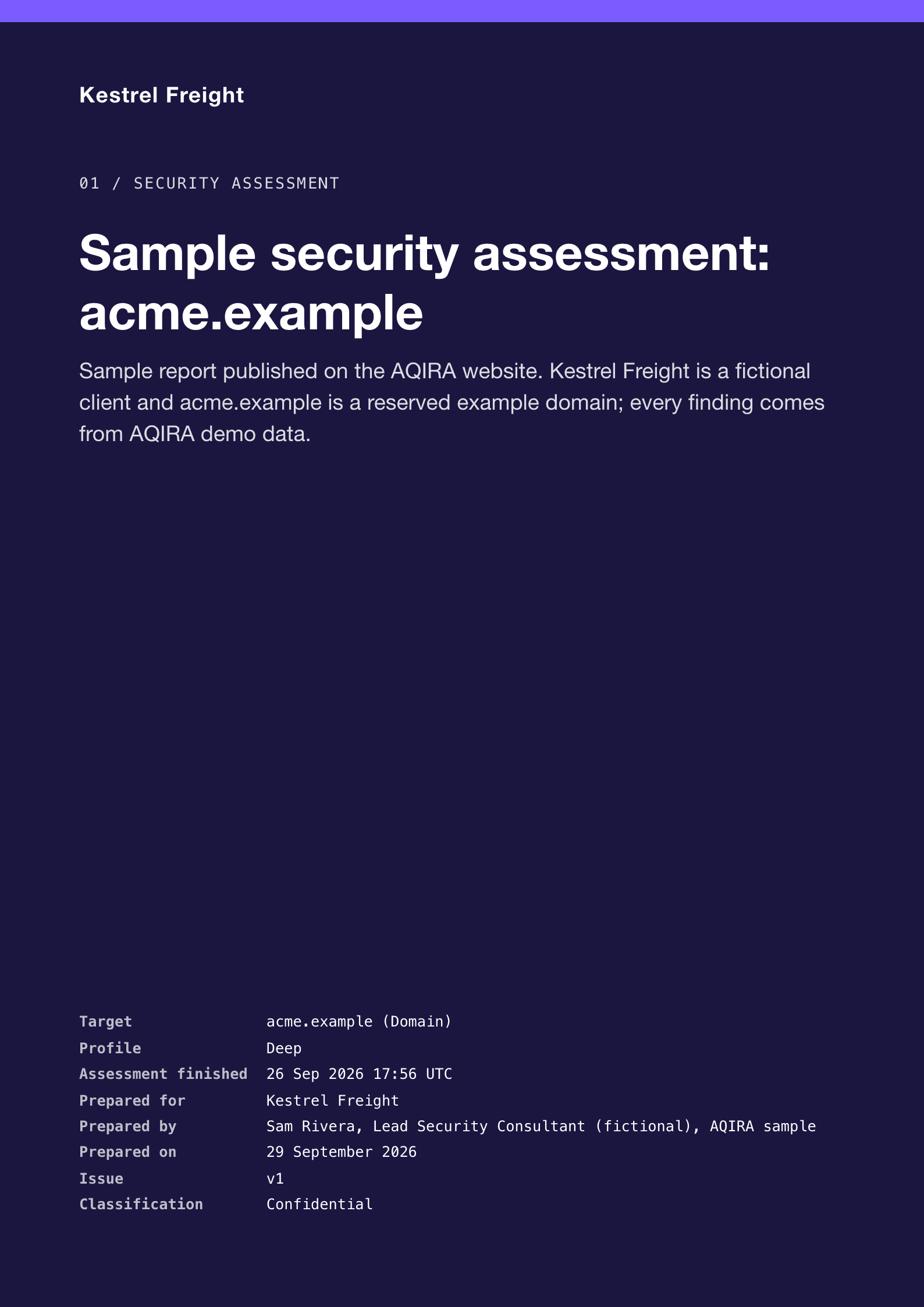
Technical Deep Dive
For engineers, platform and infrastructure teams, and the client's own testers.
Product UI, demo data. Covers from the report engine, for a fictional client, Kestrel Freight.
22 sections, 3 parts
What a report can hold
Each template picks the sections its reader needs, in its own order.
Front matter
- Cover
- Document control
- Confidentiality, disclaimer and authorisation
- Contents
The report
- Executive summary
- Scope, objectives and rules of engagement
- Methodology and rating method
- Attack narrative and kill chain
- Attack surface and asset inventory
- Findings summary
- Detailed findings
- MITRE ATT&CK coverage
- Compliance and control mapping
- Vulnerability intelligence
- Remediation roadmap
- Assessment history and trend
- Conclusion and next steps
Appendices
- Agents, capabilities and datasets
- Severity, risk and CVSS definitions
- Glossary
- Evidence index and activity log
- Report metadata and provenance
How the templates differ
- Order
- Audit Compliance leads with the controls; Boardroom Risk goes from the executive summary straight to the roadmap.
- Depth
- Boardroom Risk has no detailed findings; Technical Deep Dive keeps every section, each finding in full.
- Look
- Light or dark pages, cover layout, table and chart styling, and whether finding IDs are shown.
- Your brand
- Every template takes your primary colour, accent colour and logo. Severity colours are fixed, so a critical finding reads the same in every report.
4 formats from the same report
Every format carries the same findings and evidence.
- HTMLOpens in any browser, with a linked table of contents.
- PDFPrint-ready A4, with running headers and page numbers.
- JSONThe whole dataset: findings, evidence, mappings and scores.
- CSVOne row per finding, for spreadsheets and trackers.
Sample report
PDF, Executive Cyber template. A fictional client, Kestrel Freight, and the acme.example demo assessment.
Download a sample reportPDF, 3.1 MBProduct UI, demo data. See the evidence behind a finding in the platform.
Next step
A report written from one assessment
A demo runs one assessment in the console, with demo data: the agents at work, the evidence behind each finding, and the report.